
Introducing CocoMD: Turn Your Android Phone into a NetMD MiniDisc Remote
CocoMD - NetMD MiniDisc Tool
Get it on Google PlayYour MiniDisc collection shouldn’t depend on a 20-year-old copy of SonicStage and a Windows XP laptop. CocoMD connects a Sony NetMD walkman to your Android phone over a plain USB OTG cable — browse the disc, fix track titles, drive playback from your pocket, and read synced lyrics while the disc spins.
I’ve been repairing these players for a while (see my Sharp MD repair notes). Getting them working again was only half the fun — the other half is actually being able to see what’s on the disc without squinting at a two-line LCD.
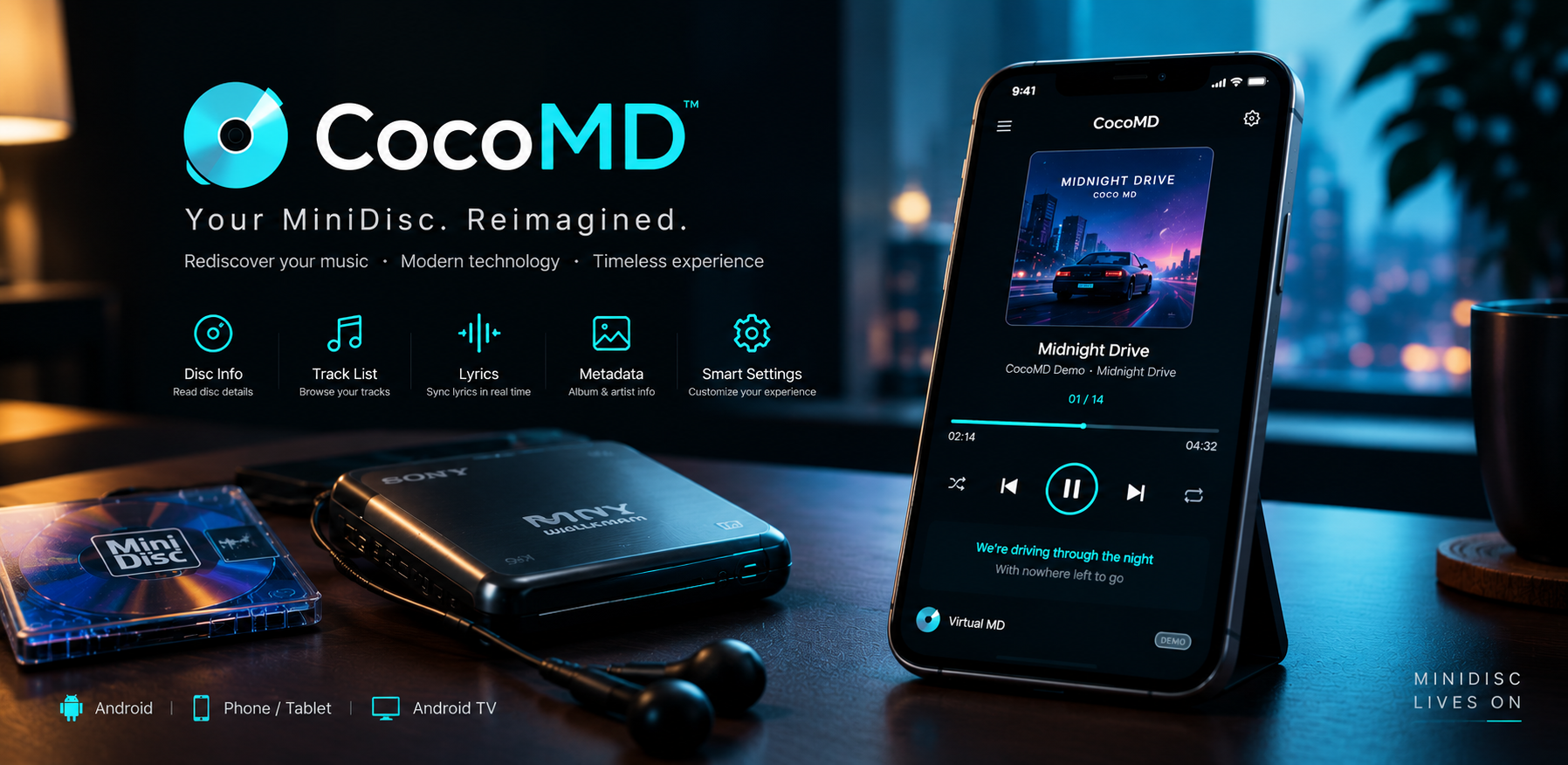
Screenshots
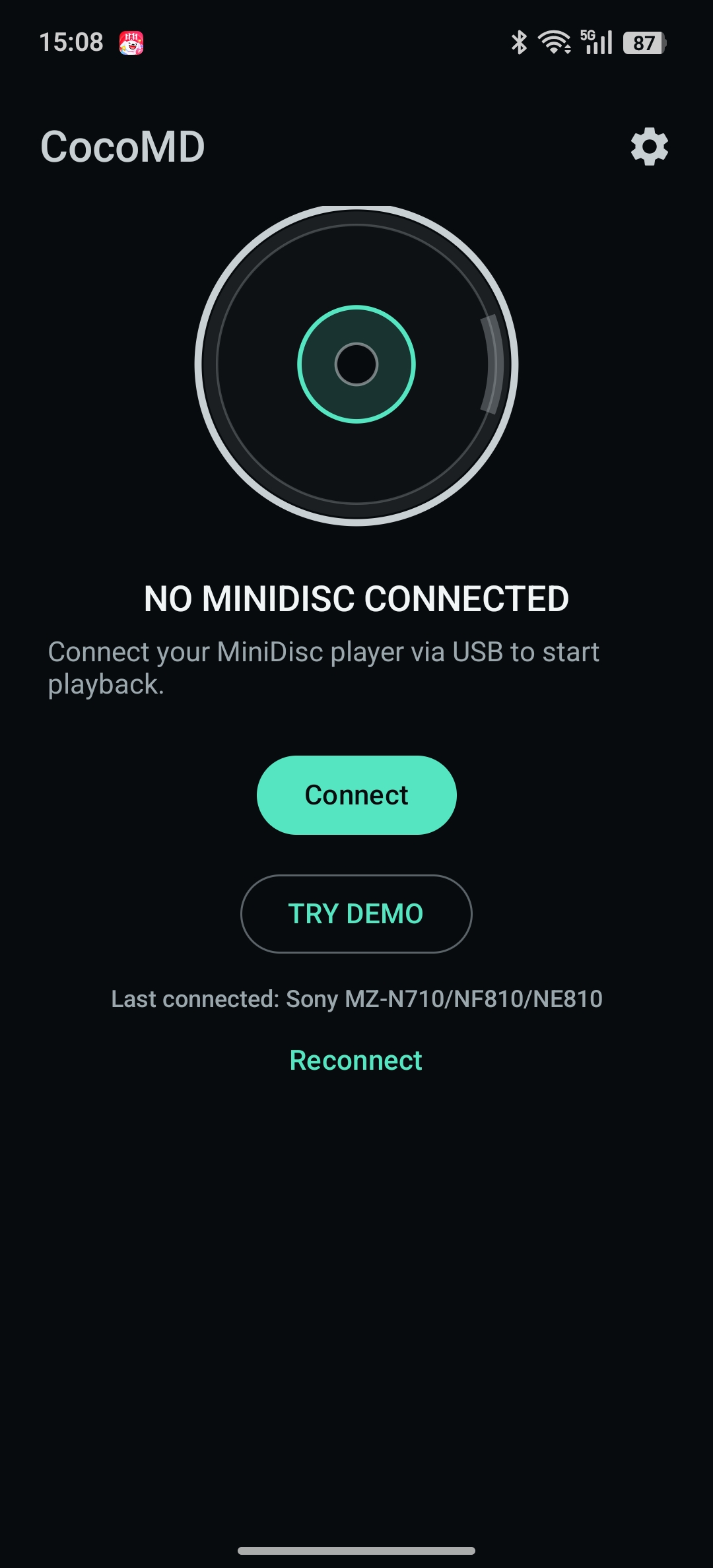
Waiting for a disc, or jump into demo mode
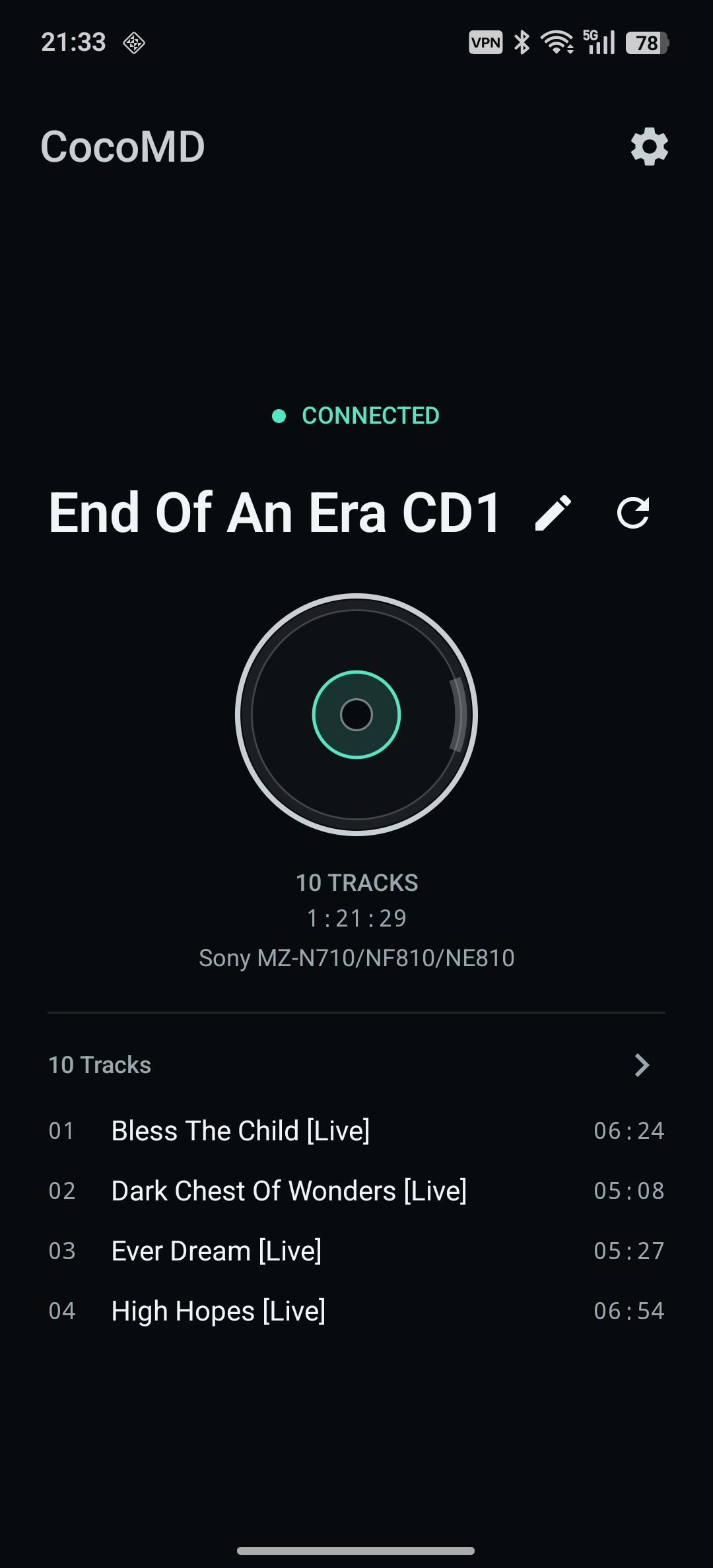
Disc overview: tracks, runtime, device
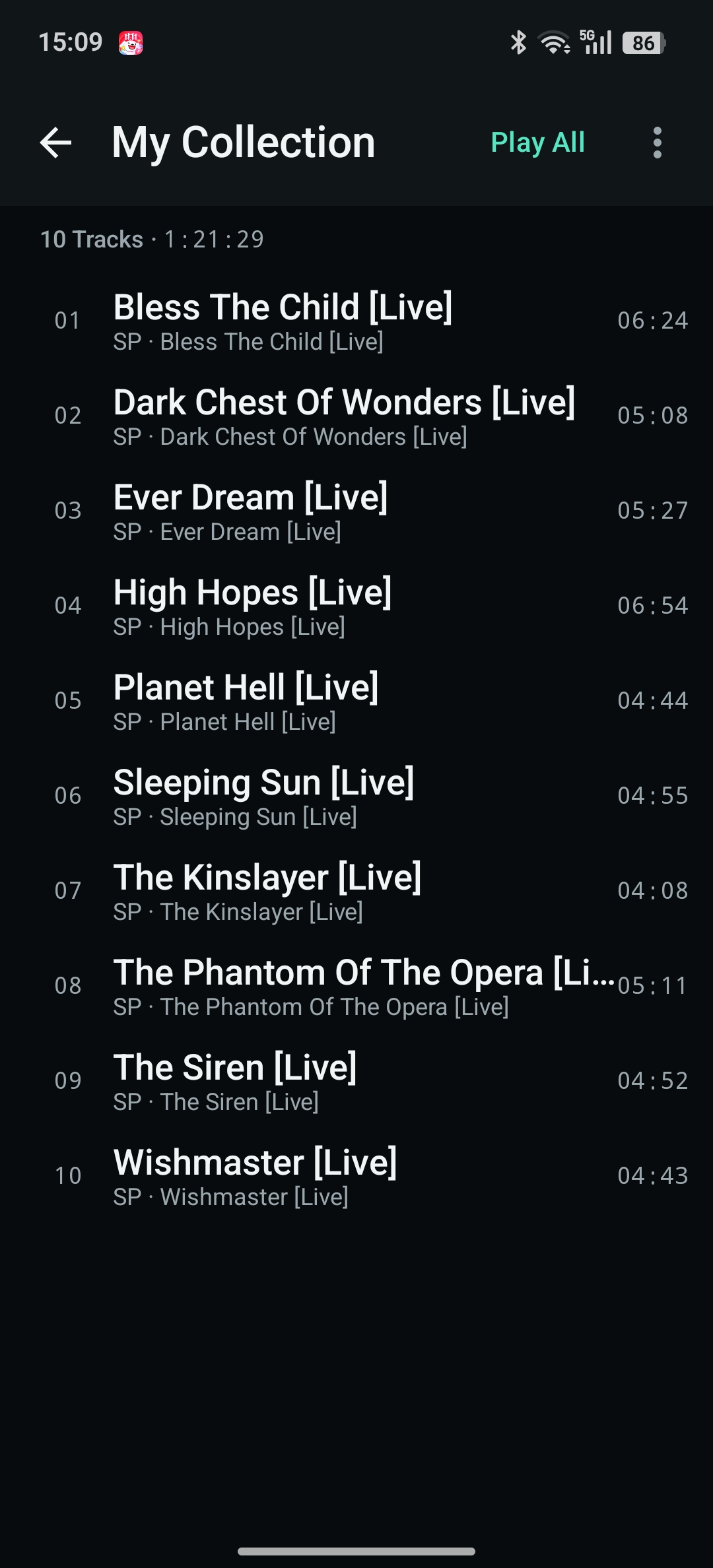
Full track list with durations
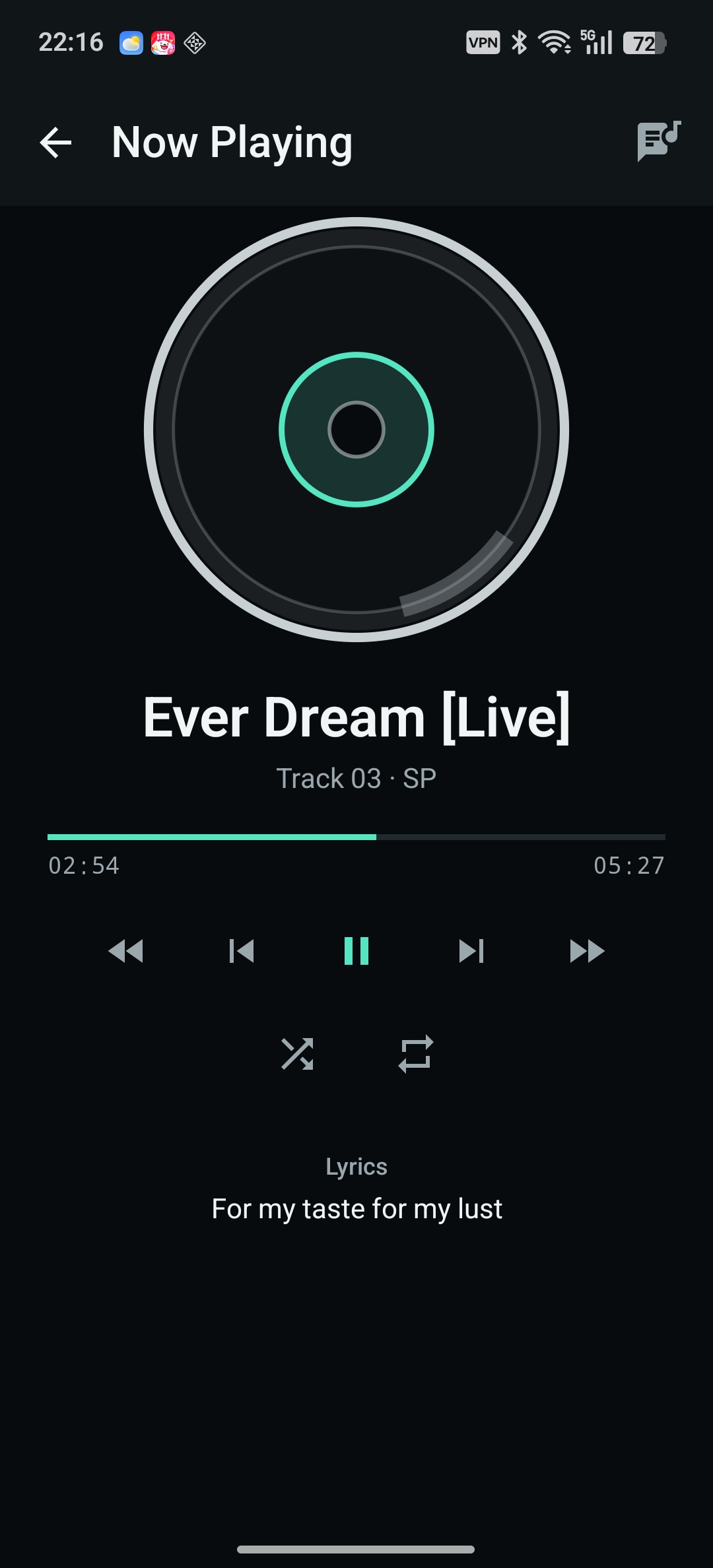
Now Playing, with a spinning disc
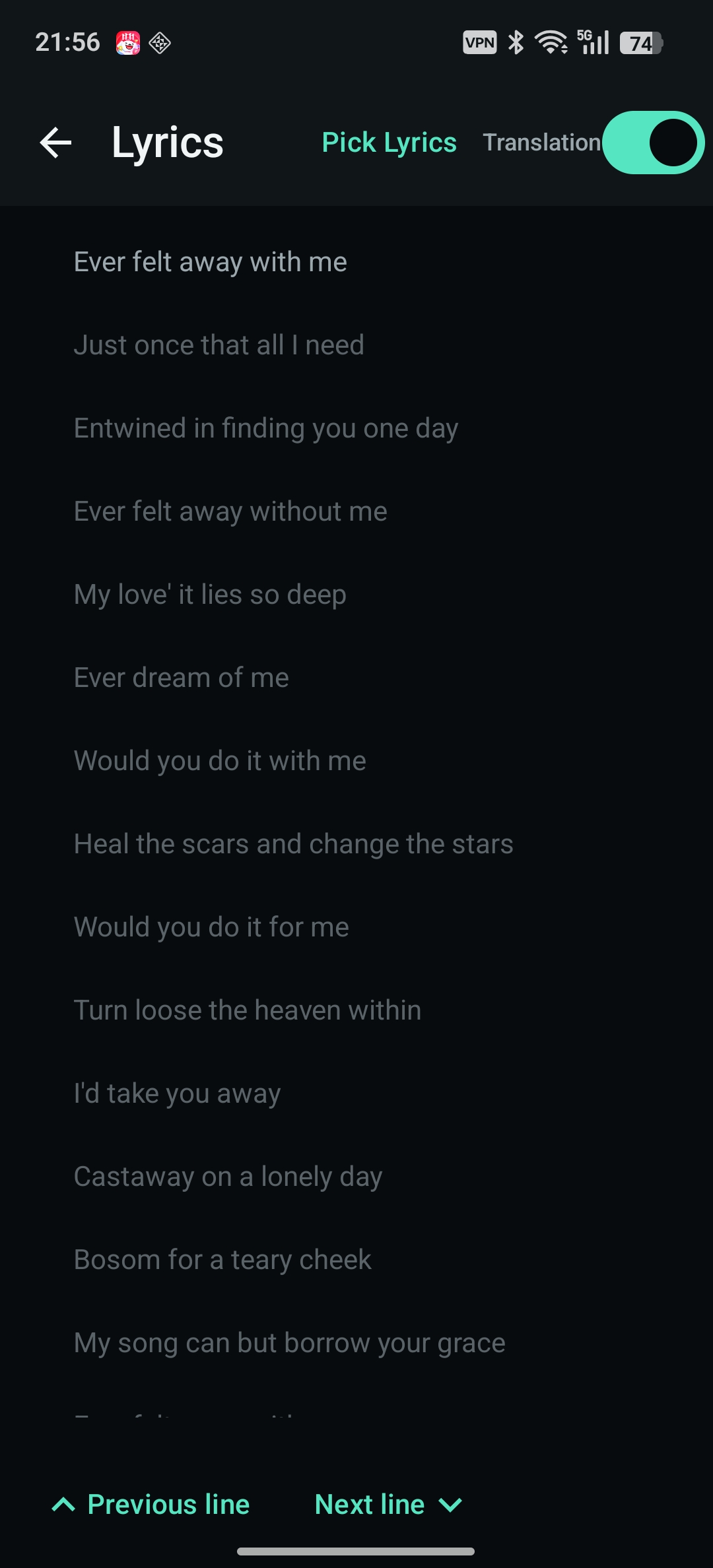
Synced lyrics with auto-scroll
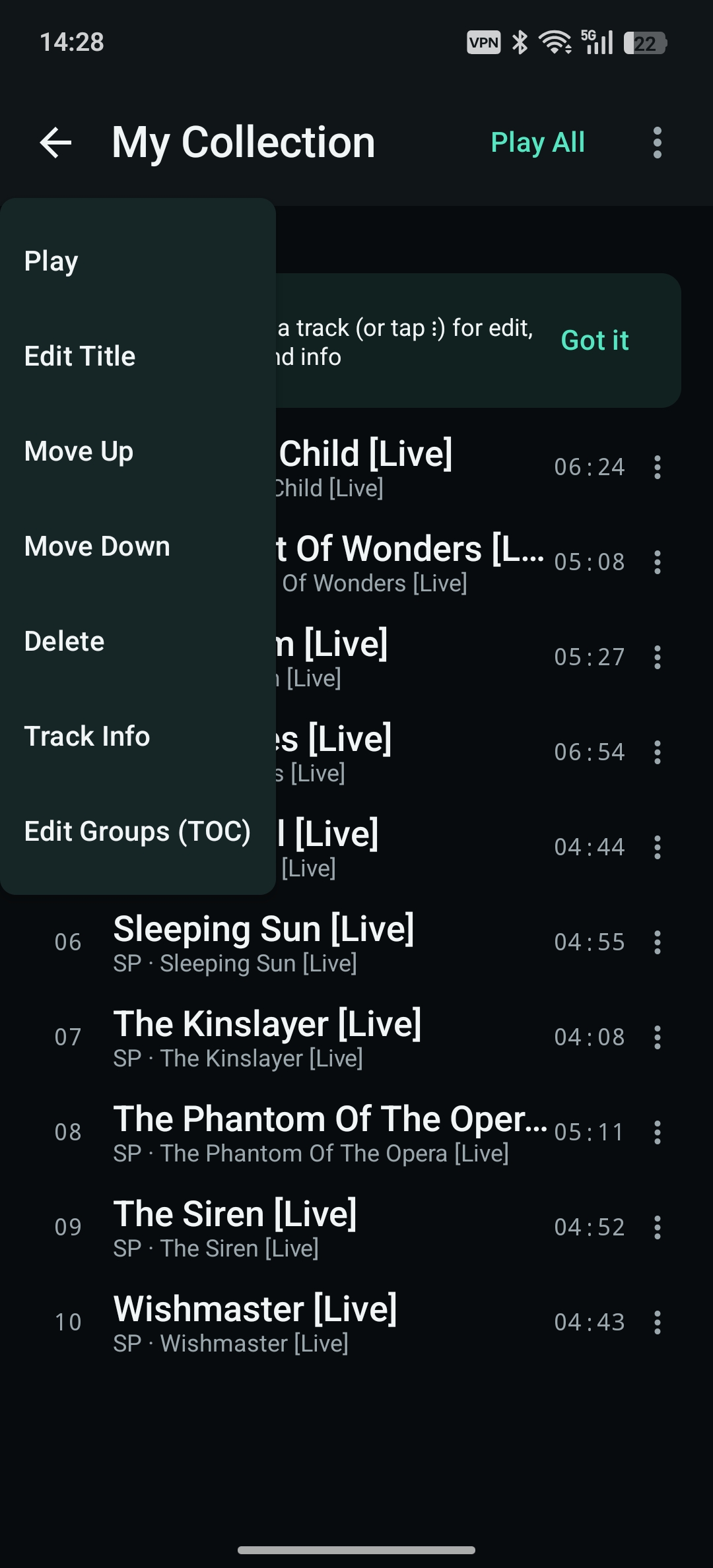
Edit, reorder, delete, manage groups
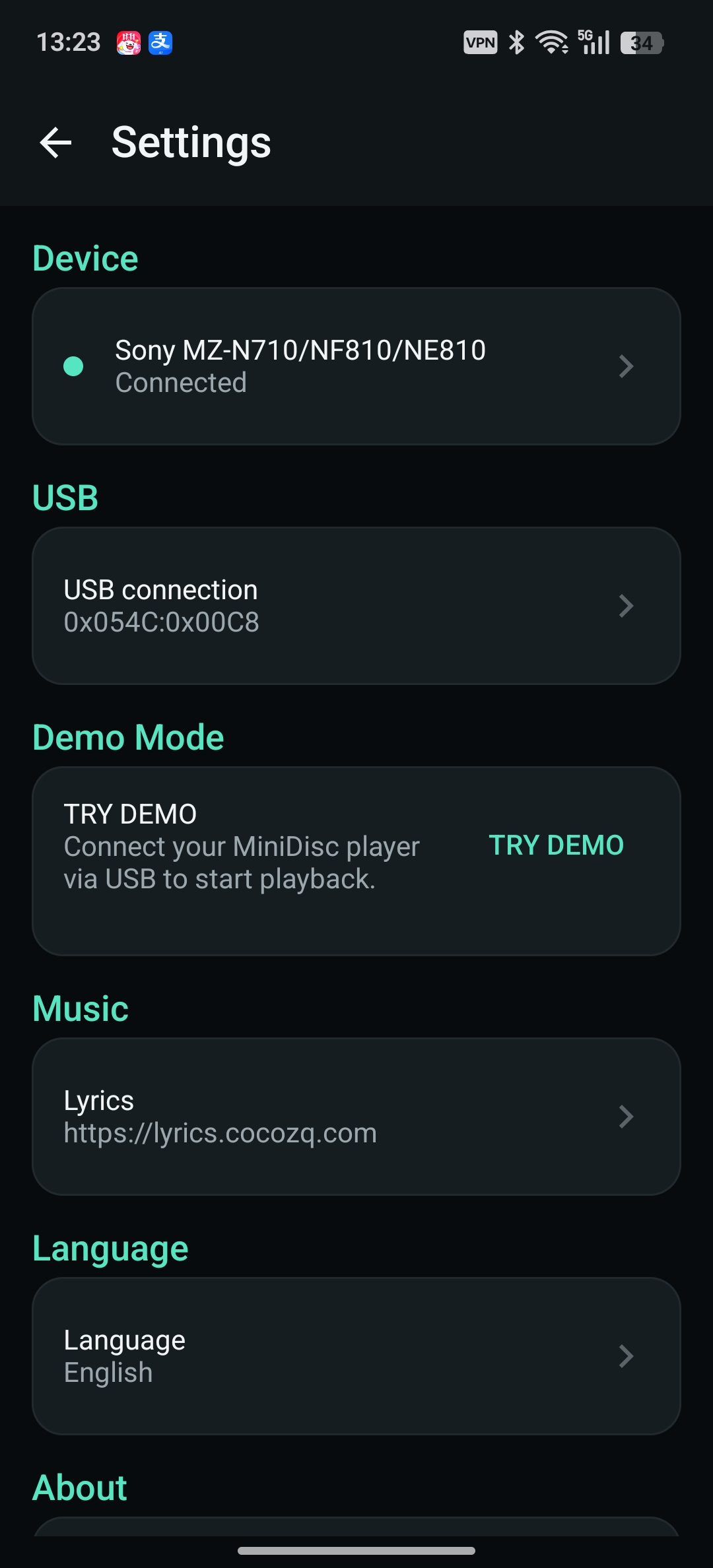
Device, USB, lyrics server, language
Key Features
Plug & Play
Plug the walkman into your phone with a USB OTG cable and the app picks it up automatically. Unplug it and the session closes cleanly. USB permission is granted once, on the first connection.
Disc Overview
Track count, total runtime, used and free capacity, disc mode (MD, LP2 and friends) and write-protect state — all on one screen. A detail view adds the device name, vendor, and raw Vendor/Product IDs, which is genuinely useful when you’re trying to figure out which obscure NetMD model you just bought.
Track Management
Rename track titles and the disc title, move tracks up or down, delete tracks. Groups are supported too, so a 30-track compilation doesn’t have to be an unstructured wall of text.
Playback Remote
Play/pause, previous/next, fast-forward and rewind, shuffle and repeat. A live progress bar with time codes lets you seek, so the phone genuinely becomes a remote control for a device that has no screen.
Synced Lyrics
Lyrics are looked up in order: a local lyrics folder, then the local cache, then a lyrics server. Common LRC files work, as do lrcapi-compatible servers (URL and key are configurable, so you can point it at your own instance). On screen you get a translation toggle, auto-scroll highlighting, tap-to-seek, and previous/next line buttons.
Demo Mode
No walkman on the desk? Demo mode lets you walk through the entire interface and every workflow with sample data.
The Look
A Deep Space dark theme with mint accents, a spinning MiniDisc on the player screen, and a mini player bar that stays within reach while you browse.
What Actually Makes This Useful
Most MiniDisc software assumes a desktop with a USB port, a Windows driver stack, and a certain tolerance for abandonware. But the phone is the thing that’s actually next to you on the couch. CocoMD leans into that: it’s a companion, not a replacement for a proper ripping workflow.
Two things I care about most:
- Title editing — the single most valuable thing you can do to a used MD collection is fix the track names. Typing them on a phone keyboard beats typing them with a jog dial by an order of magnitude.
- Lyrics — MiniDisc players never had a display worth reading. Showing synced lyrics on the phone turns a 25-year-old player into something that feels modern again.
Perfect For
- NetMD walkman owners with a drawer full of unlabeled discs
- Anyone who’d rather browse a disc on a 6-inch screen than a 2-line LCD
- MiniDisc collectors keeping the format alive
- Tinkerers who like seeing raw vendor/product IDs and USB details
Free, and Honest About It
CocoMD is free to use and supported by in-app ads. There’s no account, no subscription, and no cloud requirement — lyrics servers are opt-in and configurable.
One disclaimer worth stating plainly: this is an independent third-party tool and is not affiliated with Sony. NetMD and MiniDisc are trademarks of their respective owners.
If something breaks with your particular model, or you have ideas, get in touch via the developer website — device compatibility reports are especially welcome, since NetMD implementations vary more than you’d expect across models.