
CocoSMB: A Lightweight SMBv1 File Transfer Tool for BlackBerry 10 on Windows 11
After recently rooting my fleet of BlackBerry 10 devices (Q10, Q20 Classic, and Passport Q30), I immediately ran into an unexpected obstacle when trying to transfer files with my modern PC:
The built-in file sharing feature on BlackBerry 10 (and companion tools like Berry Bridge) relies entirely on the legacy SMBv1 protocol. On modern Windows 11, SMBv1 is disabled and deprecated by default for security reasons.
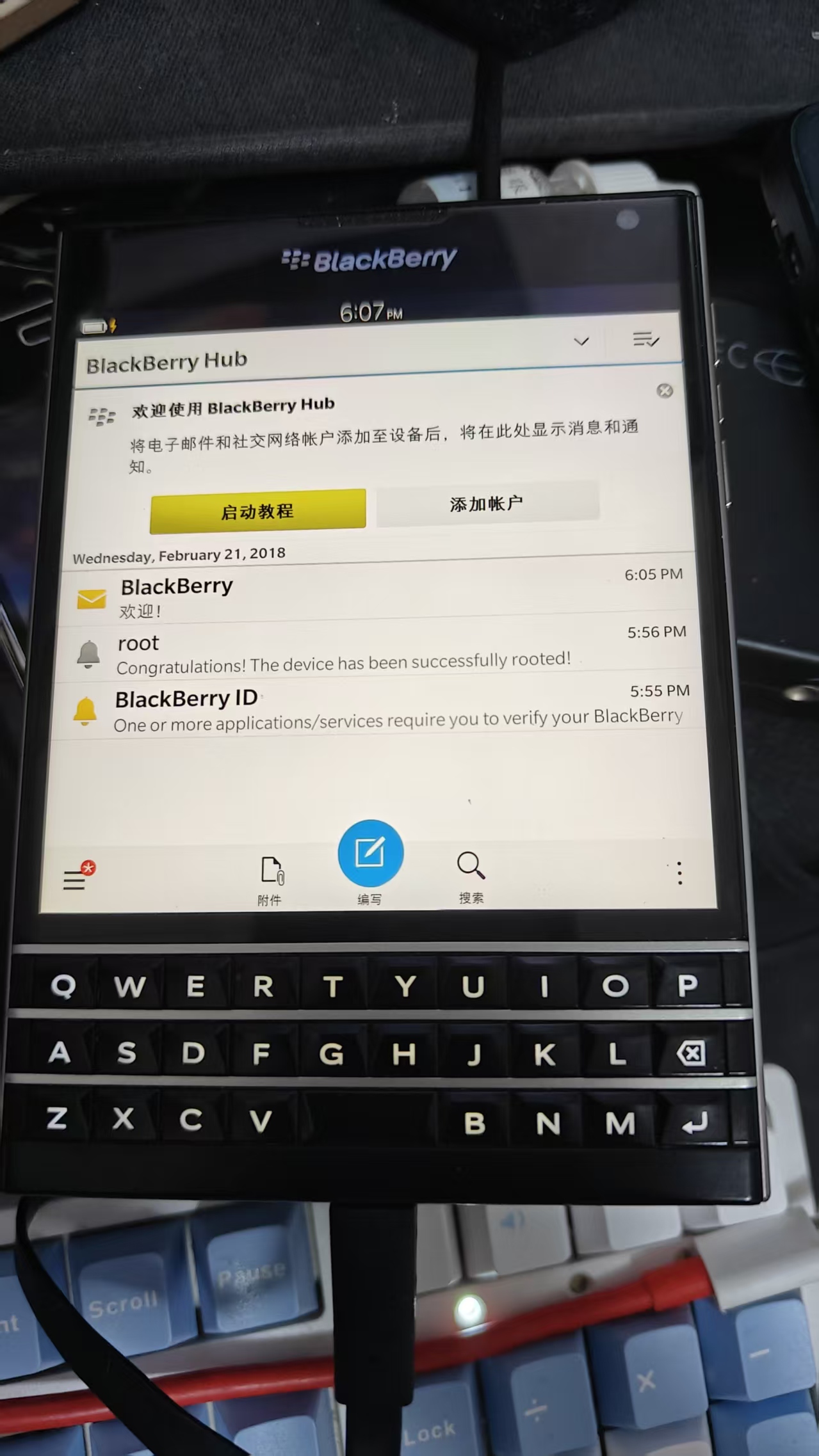
BlackBerry Q10, Classic (Q20), and Passport (Q30) ready for wireless file transfers
🚨 The Windows 11 SMBv1 Roadblock
When attempting to connect to a BlackBerry 10 share natively, Windows 11 throws the familiar error:
“You can’t connect to the file share because it’s not secure. This share requires the obsolete SMB1 protocol, which is unsafe and could expose your system to attack.”
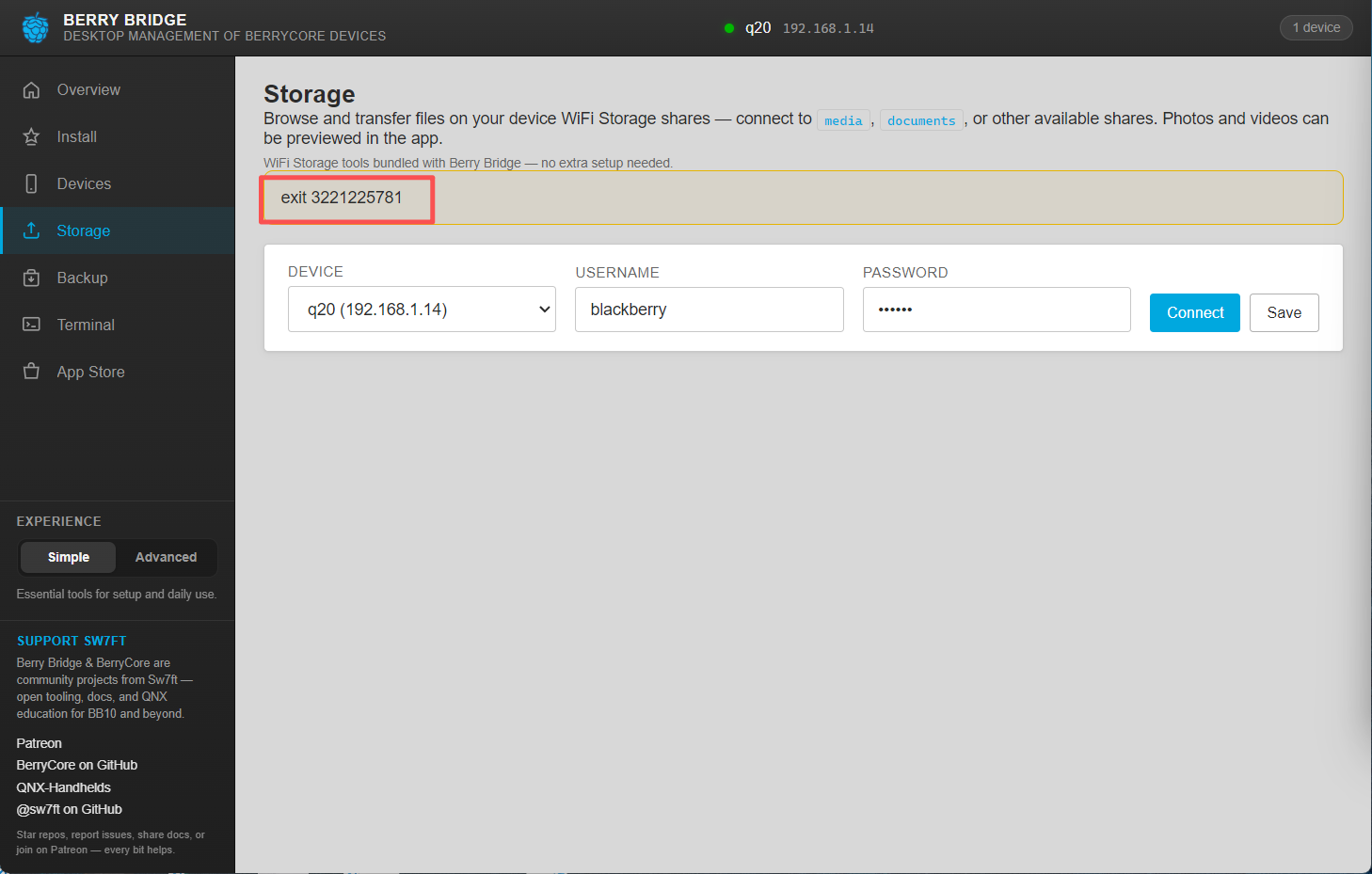
Windows 11 outright refusing to mount legacy SMBv1 shares
While you can technically enable the optional Windows SMB 1.0/CIFS File Sharing Support feature through Windows Features or PowerShell, doing so alters your system-wide security posture and frequently resets after major Windows cumulative updates.
🛠️ The Solution: CocoSMB
Rather than tampering with Windows system-wide SMB policies, I built a lightweight, self-contained auxiliary transfer tool called CocoSMB.
Instead of relying on the Windows kernel’s SMB driver stack, CocoSMB implements an isolated user-space protocol client tailored specifically for communicating with BlackBerry 10 devices over local Wi-Fi.
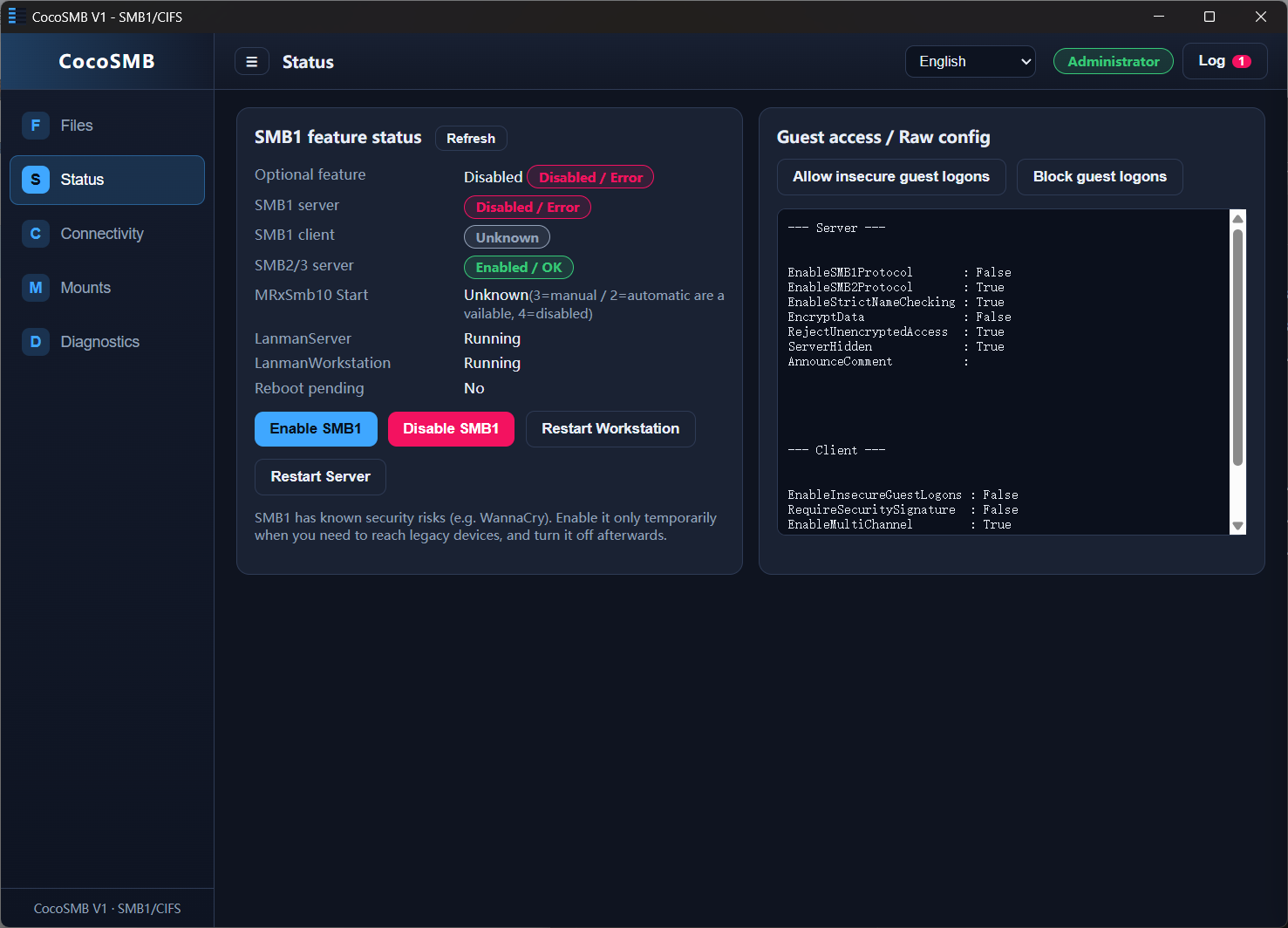
CocoSMB reports SMB1 as still disabled system-wide while handling the legacy connection itself
Key Advantages
- Zero Windows Policy Changes: No need to re-enable insecure SMBv1 drivers in Windows.
- Standalone & Portable: Self-contained executable requiring zero runtime installation.
- Direct IP Discovery: Input your BlackBerry’s local IP address and credentials to browse and transfer files in both directions.
📦 Download
For fellow BlackBerry 10 tinkerers:
(If you prefer an even faster, zero-configuration cross-platform solution, also check out our native LocalSend port for BlackBerry 10).