
The Undying King of Custom ROMs: Running Android 16 on a 2013 Google Nexus 5
A few months ago, I pushed a budget Xiaomi Redmi 4X across ten major Android milestones up to Android 16. But that wasn’t even my oldest active test device.
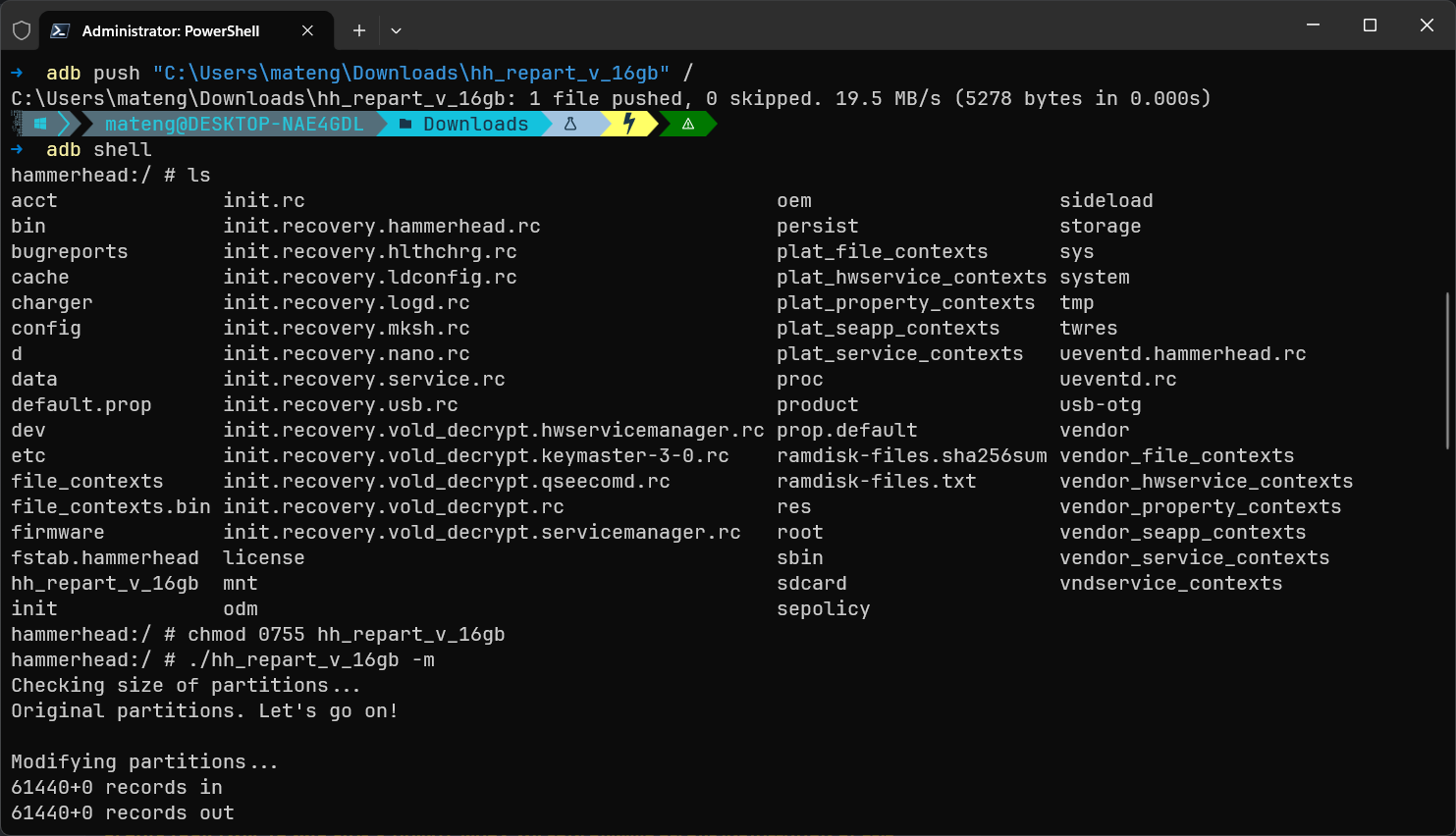
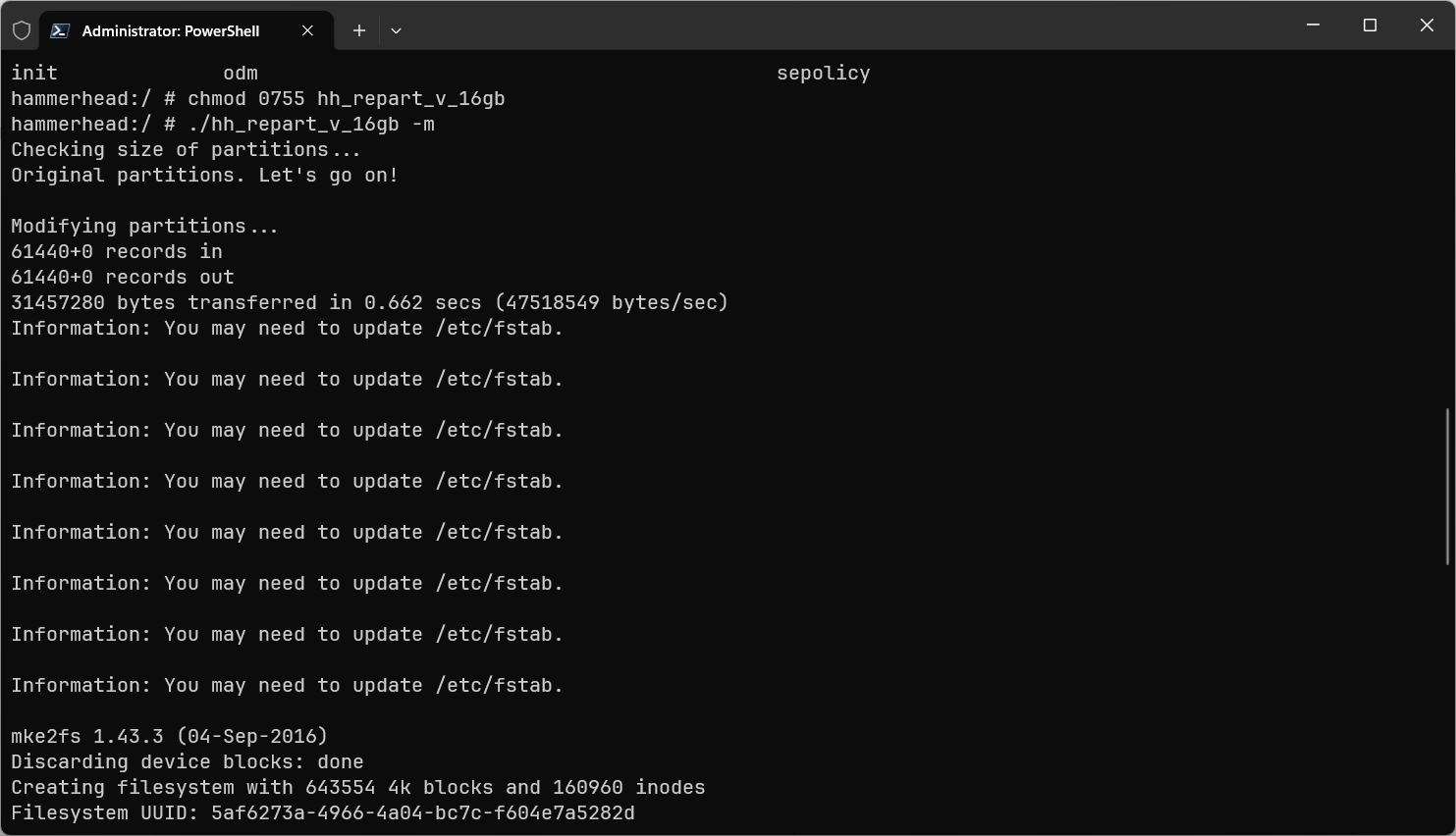
Sitting on my desk is a Google Nexus 5 (hammerhead), originally purchased back in 2014. Officially, Google cut software support at Android 6.0.1 Marshmallow nearly a decade ago. Yet today, this 2013 device powers up into a fully functional build of Android 16 via unofficial LineageOS 23.
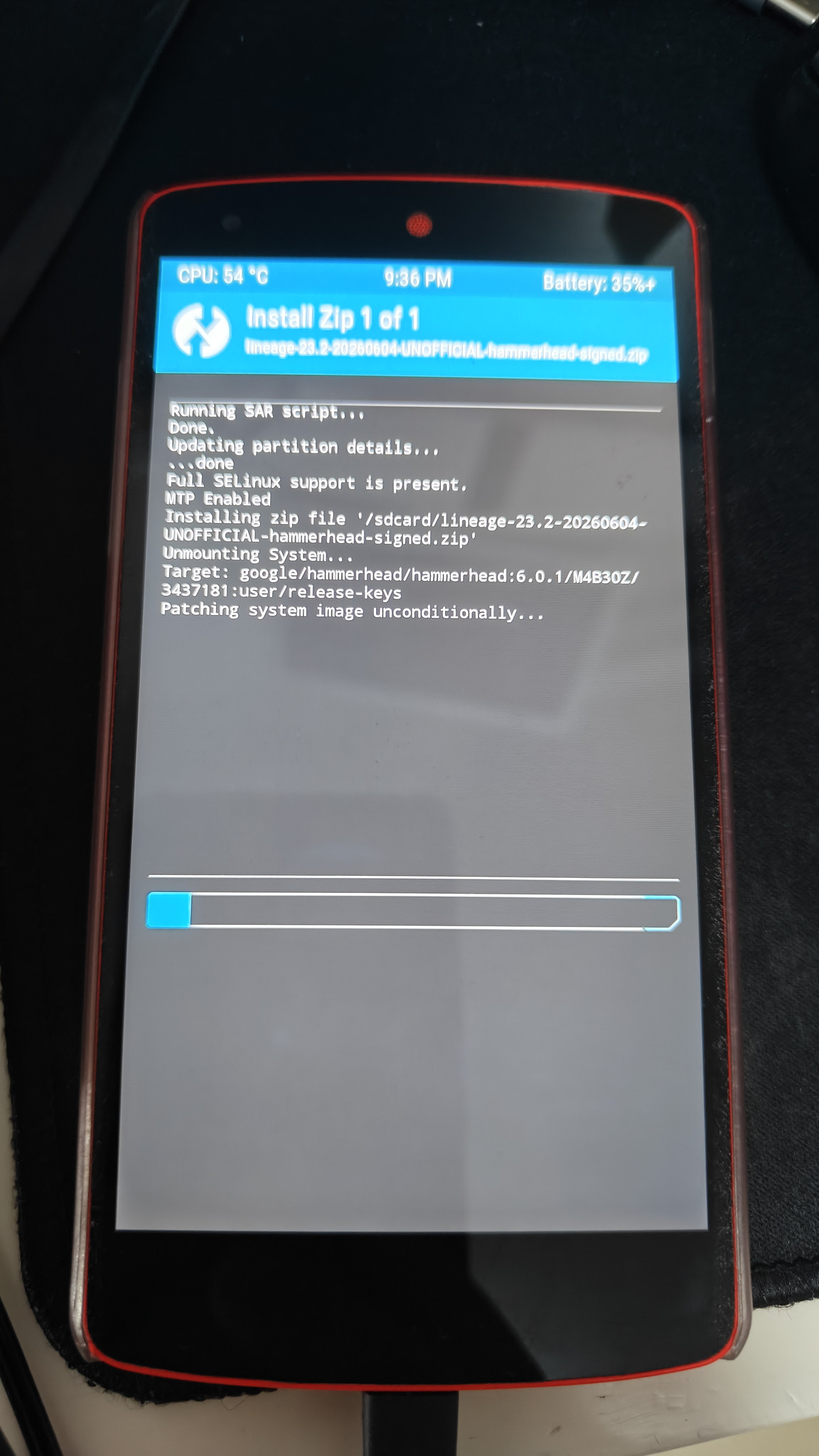
A 2013 Google Nexus 5 booted into Android 16 / LineageOS 23
📈 A Twelve-Generation Operating System Odyssey
The Nexus 5 debuted in October 2013 running Android 4.4 KitKat.
When official OEM updates ended at Android 6.0.1, the global open-source developer community took over the driver seat. From CyanogenMod through modern LineageOS, the maintenance relay race never paused:
1 | Android 4.4 → 5.0 → 6.0 → 7.0 → 8.0 → 9.0 → 10 → 11 → 12 → 13 → 14 → 15 → 16 |
That is a single physical device spanning thirteen major Android generations across more than a decade.
Settings > About phone confirming Android 16 on hammerhead
Android 16 system easter egg running smoothly
🔬 Why Has the Nexus 5 Outlasted Everything Else?
When LG and Google engineered the Nexus 5, its specifications were solid for its era:
- Qualcomm Snapdragon 800 (MSM8974)
- 2 GB LPDDR3 RAM
- 5.0-inch 1080p IPS display
More crucially, the Nexus line was explicitly designed as a reference developer sandbox:
- Unlocking the bootloader required a single
fastboot oem unlockwithout vendor permission tokens or arbitrary waiting periods. - Full AOSP source trees, device trees, and clean driver blobs were publicly published.
- Partition tables were clean, without vendor-specific proprietary traps.
When Google stopped issuing updates, stewardship transitioned from a commercial entity to a passionate global community.
🏛️ Software Archaeology: What Changed Under the Hood
The gap between Android 4.4 and Android 16 is not merely cosmetic. Over twelve iterations, nearly every core subsystem of Android was rewritten:
- Security Models: The arrival of strict SELinux enforcement, file-based encryption (FBE), scoped storage, and per-app runtime permissions.
- System Architecture: Project Treble hardware abstraction layers, dynamic partitions (
super), and APEX modular system updates. - Graphics Pipeline: Transition from early SurfaceFlinger architectures to modern Vulkan/OpenGL ES composition layers.
Backporting a modern Linux kernel interface, dynamic linker requirements, and modern Bionic libc quirks to keep a 32-bit/early-64-bit transition-era Snapdragon 800 alive is genuine software archaeology.
⚖️ Hardware Does Not Equal Obsolescence
Make no mistake: with 2 GB of RAM, a 28nm processor, and a modest 2300mAh battery, a 2013 Nexus 5 is not competing with today’s multi-gigahertz flagships. Modern web engines and heavyweight apps will quickly throttle memory limits.
Flashing Android 16 on a Nexus 5 is not about proving vintage silicon can outmuscle modern hardware.
It proves something far more profound: a device’s physical lifespan can vastly exceed the artificial lifespan dictated by commercial roadmaps.
When an OEM declares a device “End of Life”, it simply means they have ceased commercial support. It does not mean the hardware has lost its utility.
🌟 The Spirit of Custom ROMs
The most captivating part of custom ROM culture isn’t just tweaking accent colors or flashing custom kernels.
It is reclaiming sovereignty over the machines you own.
A company decided this phone was finished back in 2016. The community decided it had another ten years of adventures ahead. Holding a twelve-year-old phone in your palm, feeling its textured rubberized back, and watching it boot into Android 16 is a quiet tribute to the resilience of open-source engineering.