
Tauri v2 Native Window Title i18n: Why Titles Fail to Update on Language Switch and How to Fix It
When implementing multi-language internationalization (i18n) in a Tauri v2 desktop application, you might encounter a puzzling bug: the in-app webview content updates dynamically upon language selection, but the native OS window title bar remains stubbornly stuck on its initial language.
🚨 Problem Manifestation
Switching languages (e.g., from English to Traditional Chinese) updates all UI components cleanly, but the window caption in the title bar never responds.
Even worse, calling standard DOM APIs or even Tauri’s window APIs often produces zero console warnings or runtime errors, making the bug surprisingly difficult to isolate.
🔬 Root Cause Analysis
This issue typically stems from three distinct traps across the Tauri v2 architecture:
1. document.title Does Not Update Native Desktop Titles
Tauri applications run inside a native host window containing an OS webview (WebView2 on Windows, WebKit on macOS/Linux).
Setting document.title modifies only the title within the browser DOM context; it does not propagate to the operating system’s native window frame.
1 | // ❌ Ineffective: only updates webview internal DOM title |
Required API:
You must invoke Tauri’s official window API:
1 | import { getCurrentWindow } from "@tauri-apps/api/window"; |
2. Missing Capabilities Cause Silent Failures in Tauri v2
Tauri v2 introduces a granular, security-first capability and permission system. By default, most window mutation APIs are disallowed unless explicitly authorized.
When a window API call like setTitle() lacks permission, Tauri v2 defaults to silently ignoring the call rather than throwing a JavaScript error:
1 | // src-tauri/capabilities/default.json |
⚠️ Key Warning: Silent rejection without console diagnostics is one of the most deceptive traps in Tauri v2. If an API seems to do absolutely nothing, check your
capabilities/configuration first.
3. Placing setTitle Inside Ephemeral Route Components
If your application uses client-side routing (e.g., React Router, HashRouter, or custom tab views), placing the setTitle effect inside a specific page component creates lifecycle bugs:
1 | // ❌ Bad: MainWindow unmounts when navigating to settings |
When navigating from the main page to preferences, MainWindow unmounts. If the user changes language in preferences, MainWindow‘s useEffect cannot respond.
Fix: Anchor title synchronization inside your root App component that remains permanently mounted.
✅ Complete Implementation Guide
Step 1: Declare the Permission
Add core:window:allow-set-title to your capability file:
src-tauri/capabilities/default.json:
1 | { |
Step 2: Synchronize in the Root Component
In your top-level App component, react directly to translated string changes:
1 | import { useEffect } from "react"; |
Step 3: Configure the Startup Fallback Title
Set a sensible default title in src-tauri/tauri.conf.json so the window caption looks polished before JavaScript and translations initialize:
1 | { |
📋 Troubleshooting Checklist
| Item | What to Verify |
|---|---|
| Window API | Ensure getCurrentWindow().setTitle() is used instead of document.title |
| Capability Config | Confirm "core:window:allow-set-title" exists in capabilities/default.json |
| Component Hierarchy | Ensure setTitle runs in the root App component, not a detachable route |
| Effect Dependencies | Depend on t("app.name") and i18n.language so it triggers on switch |
| Startup Fallback | Verify tauri.conf.json defines a clean initial title before hydration |
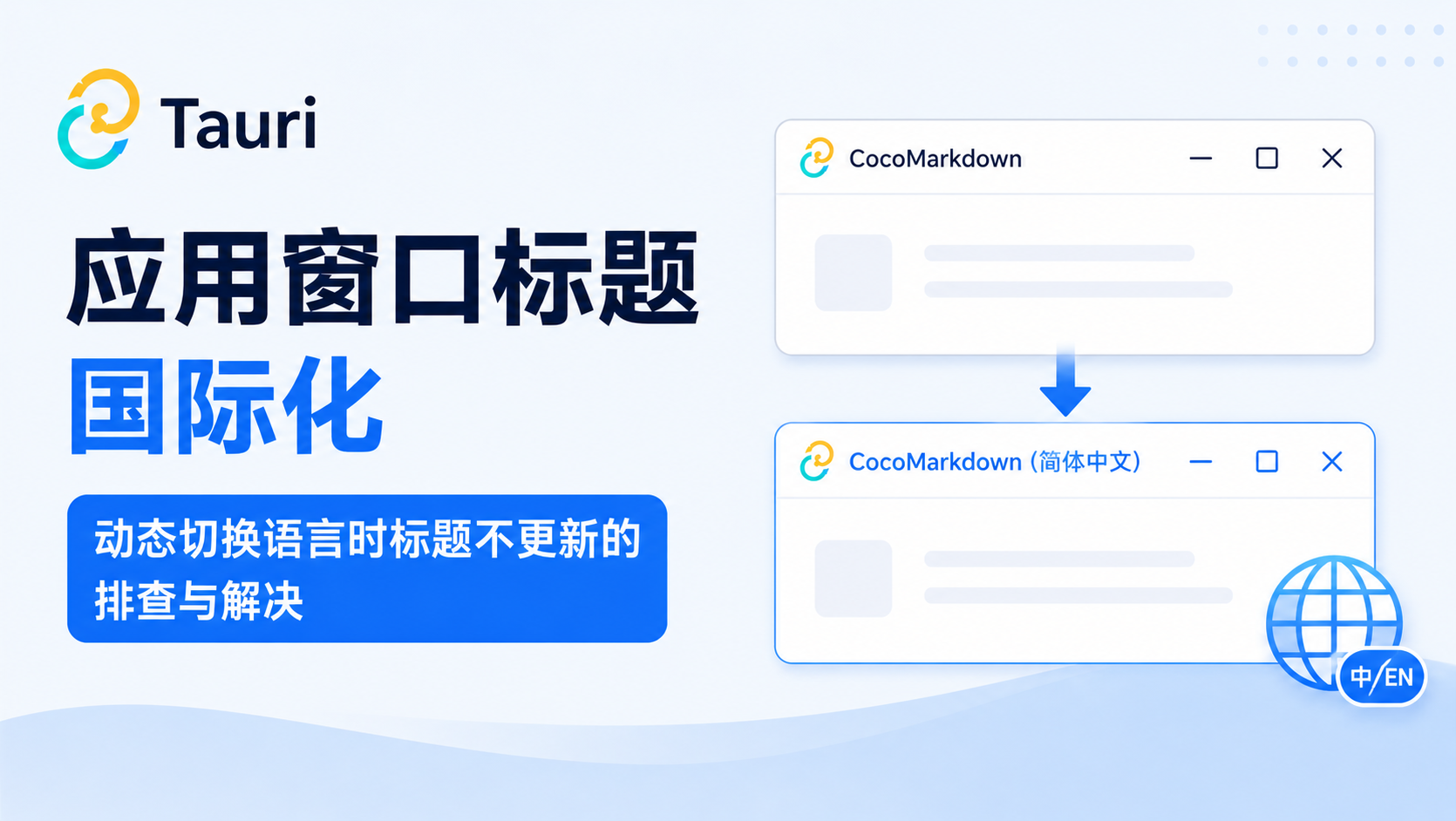
Native desktop window title reacting seamlessly to real-time language toggling