
Introducing Coco Toolkit (CocoHelper 2.0): The All-in-One Android Diagnostics and Developer Companion
Five years ago, I cobbled together a tiny Android utility to test physical keyboard events and system inputs for my custom keyboard software. Over the years, that makeshift testing app steadily accumulated hardware checkers, network diagnostic routines, and developer shortcut bridges.
Today, it has grown into Coco Toolkit (CocoHelper 2.0)—a clean, lightweight, all-in-one companion app for Android developers, QA engineers, and tinkerers who want instant visibility into their hardware and network without tethering to a laptop.
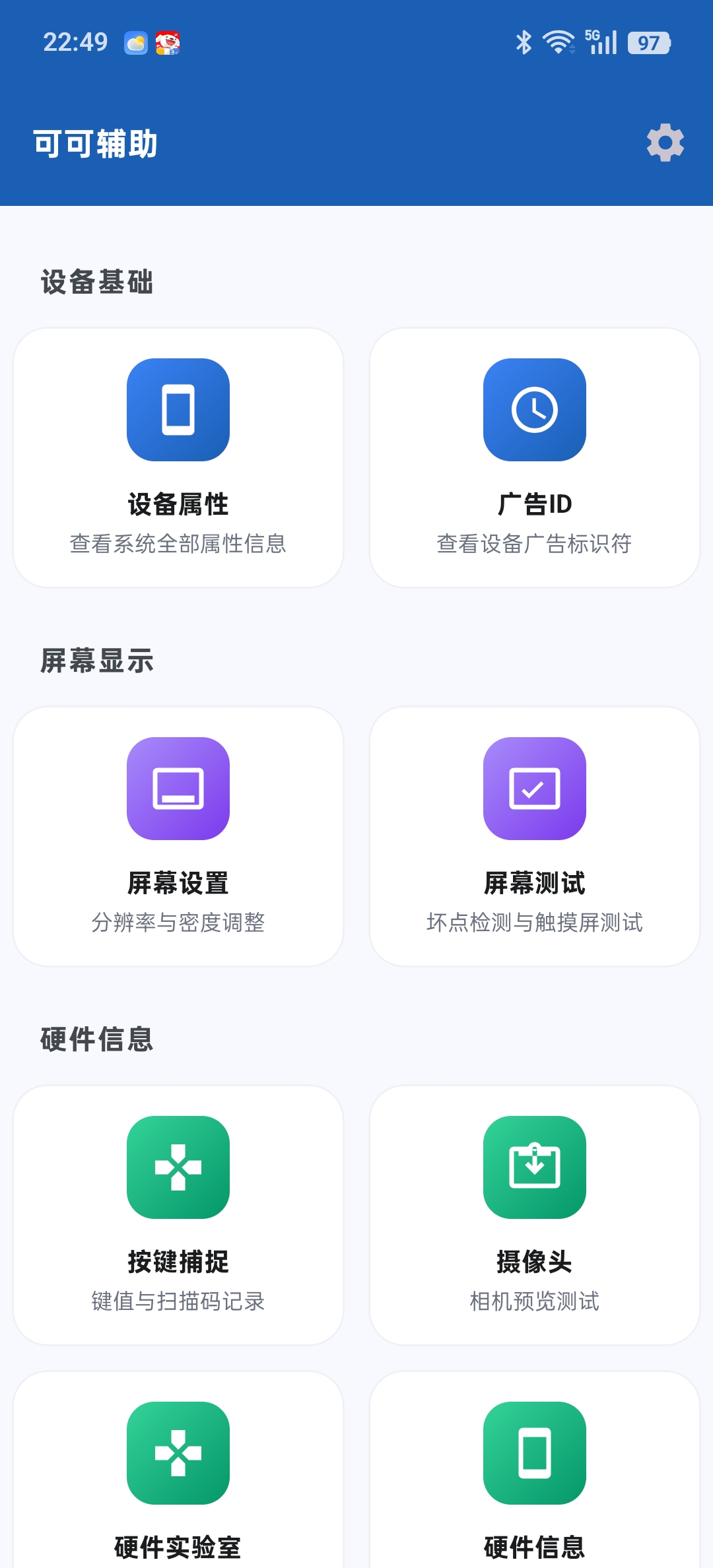
Coco Toolkit dashboard: instant device properties and diagnostic modules
🎯 Why Build It?
Whenever you need to inspect an Android device’s low-level build properties, test display touch coordinates, or verify an SSL handshake on mobile networks, you typically have to:
- Connect a USB cable and run verbose ADB shell commands, or
- Download a dozen single-purpose ad-heavy testing apps from the store.
The philosophy behind Coco Toolkit is simple: Fast, self-contained, and zero fluff.
🛠️ Core Capabilities
1. Hardware & System Inspection
Pulls raw system build descriptors and low-level Linux kernel attributes at a glance:
- Real-Time Telemetry: Live CPU core utilization, memory consumption, thermal indicators, and active hardware sensor states.
- Display & Touch Testing: Full-screen RGB color block tests (for finding dead pixels or backlight bleed) alongside multi-touch coordinate matrix tracing.
- Camera Module Probe: Validates sensor availability, focal lengths, and camera hardware levels across multi-lens arrays.
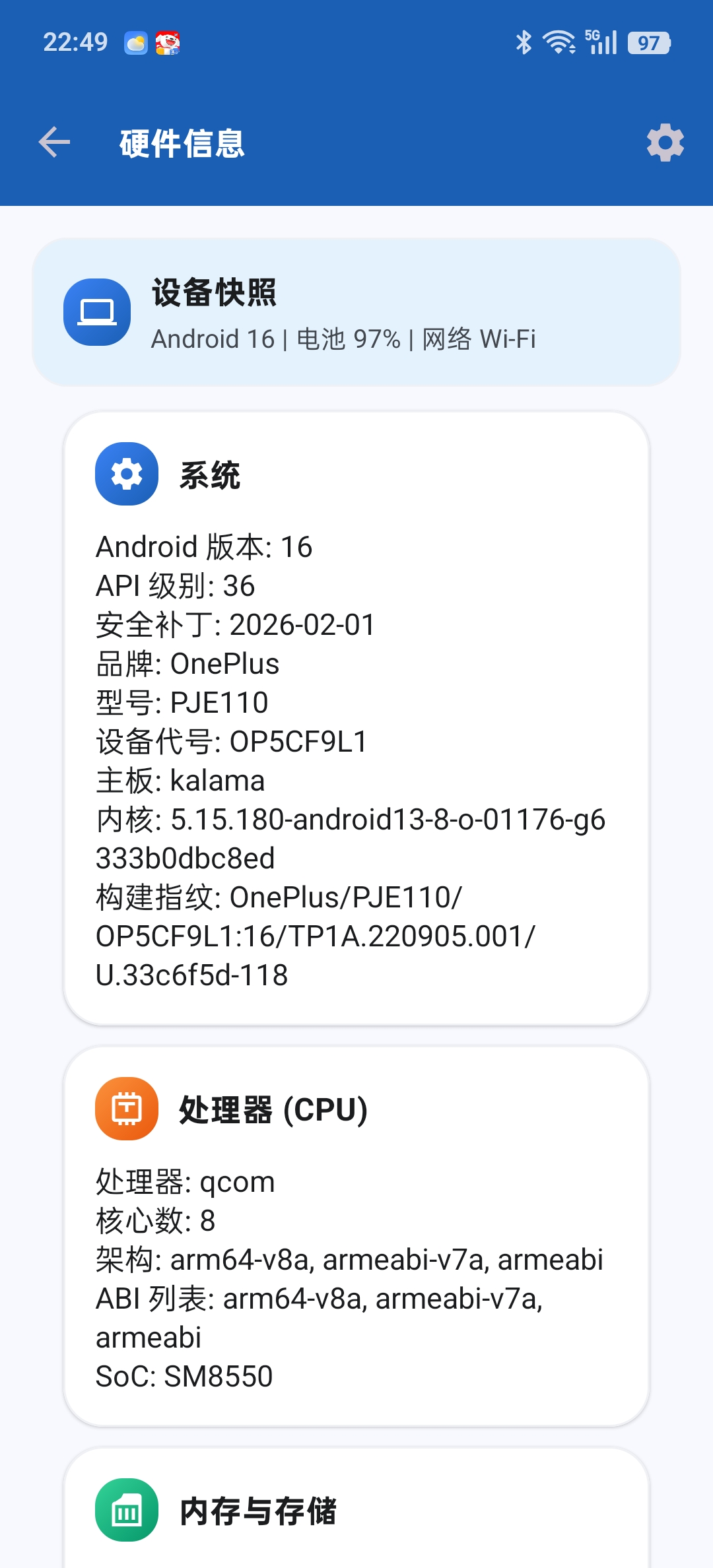
Detailed hardware & CPU telemetry
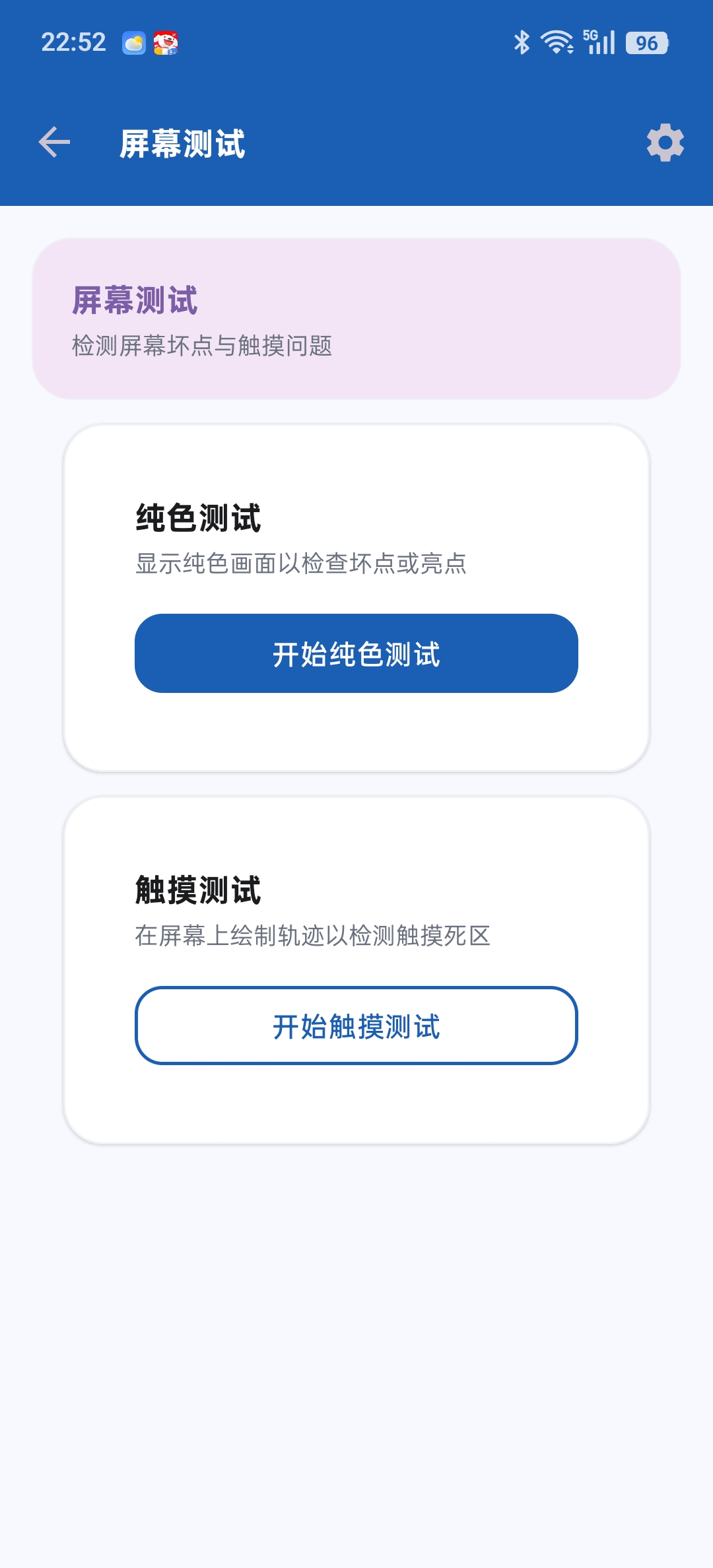
Multi-touch tracking & display testing
2. Network Troubleshooting on the Go
This is the module I rely on most when testing backend APIs or mobile VPN routing on live cellular connections:
- Baseline Diagnostics: Integrated ICMP Ping, DNS resolver lookups, and TCP port scanner.
- Advanced Networking: Real-time Traceroute hop inspection, Whois domain lookups, and SSL/TLS certificate chain verification. No laptop or command-line tethering needed.
3. Application Management & Shortcuts
- Package Inspector: Inspect installed application package names, target SDK versions, signatures, and version codes instantly.
- Deep System Jump-Gates: Android settings menus can be labyrinthine. One-tap shortcuts take you straight to hidden Developer Options, Notification Access, and Special App Access panels.
- Hardware Keycode Capture: A dedicated testing surface to log and verify raw physical keycodes, scancodes, and modifier flags—essential when adapting apps for hardware keyboards like the BlackBerry KEY2 or Unihertz devices.
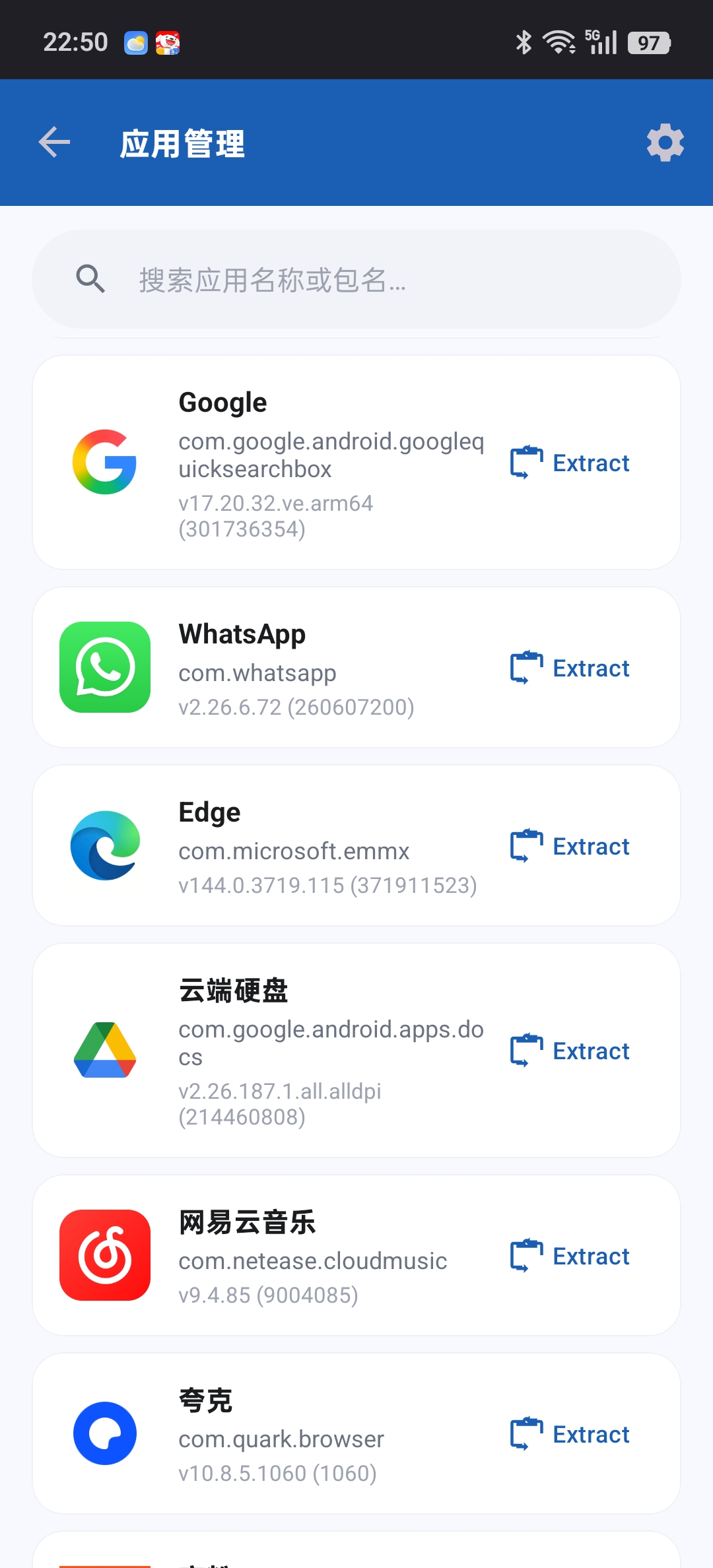
App package manager & settings shortcuts
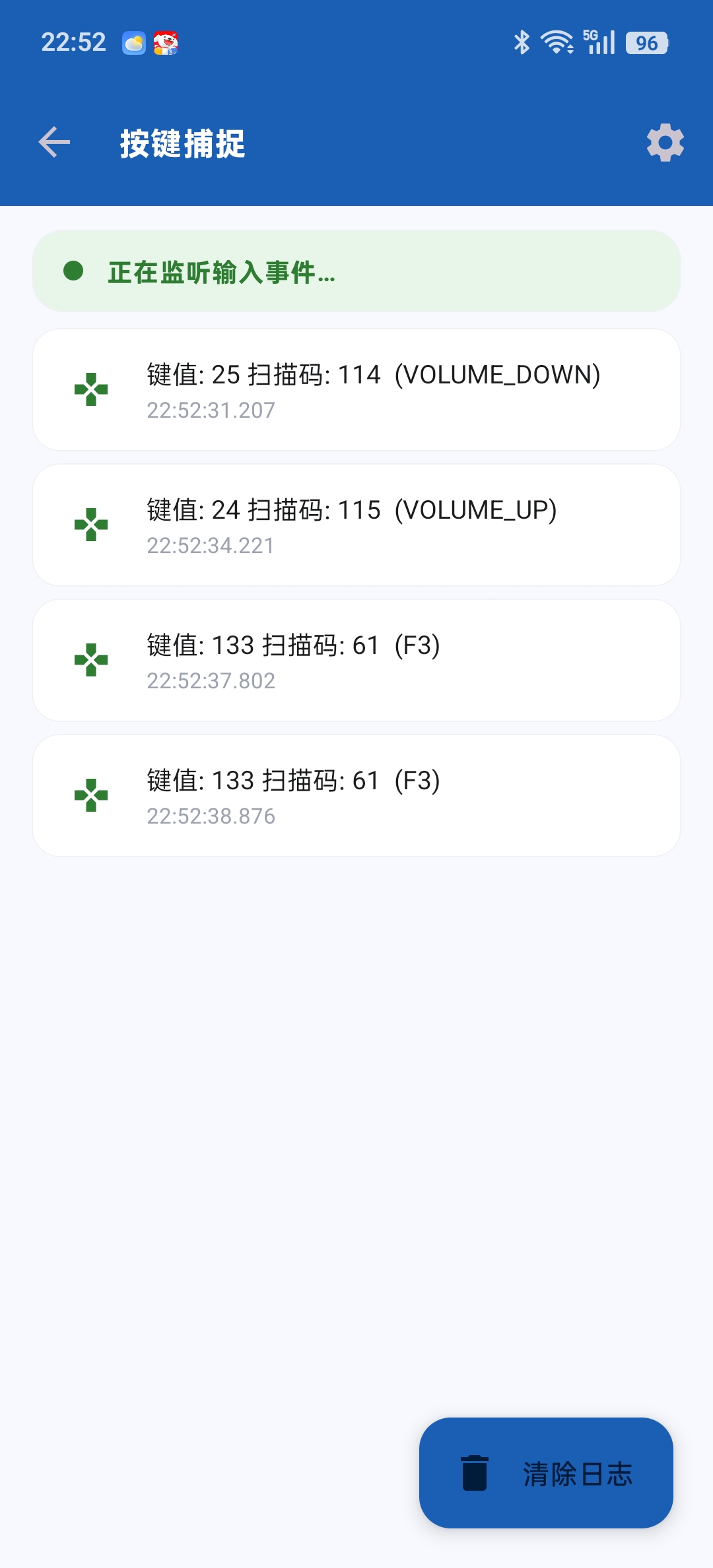
Real-time scancode & key event monitor
👥 Who Is This For?
- QA & Test Engineers: Rapidly verify device specs, touchscreen boundaries, and network routes in field testing.
- Android Developers: Inspect system properties, test key events, and verify deep-links without switching contexts.
- Hardware Purists & Geeks: Keep total visibility over what your silicon and radios are doing.
Coco Toolkit stays focused on keeping the interface clean and letting developers debug with minimal friction.