
BlackBerry KEY2 Running Android 15 & 16: ROM Experiences, Keyboard Tweaks, and Unbricking Guide
The BlackBerry KEY2 (Athena) remains the pinnacle of modern physical QWERTY smartphones. Originally shipped with Android 8.1 Oreo, keeping this legendary hardware alive in 2026 requires unofficial community ROM ports.
I have been running unofficial builds of Android 15 and 16 on both my BlackBerry KEY2 and KEY2 LE daily drivers for over four months. Here are the critical lessons learned, keyboard event fixes, firmware selections, and safe unbricking procedures.
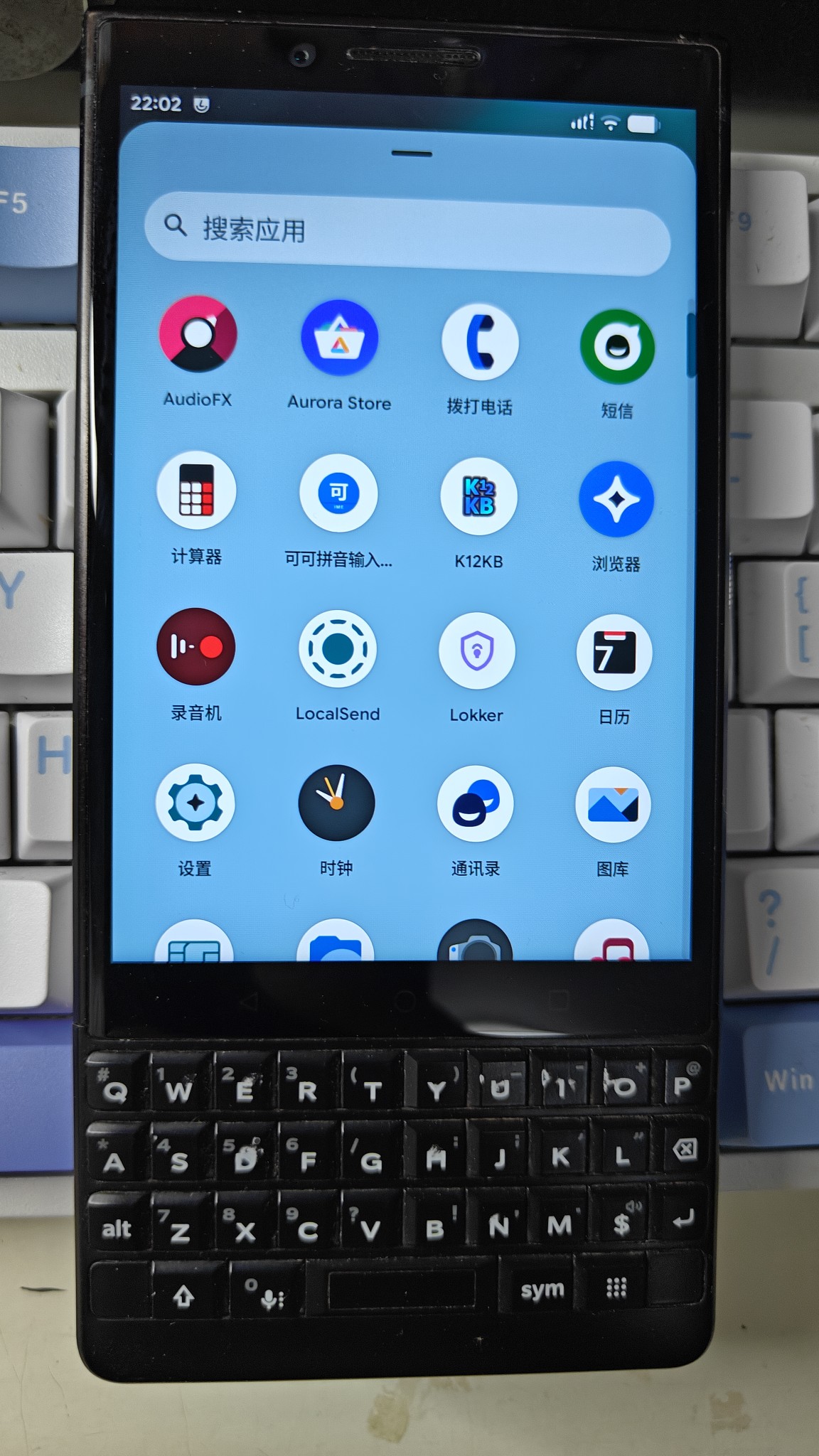
BlackBerry KEY2 running LineageOS 23 based on Android 15 / 16
🛠️ Lessons Learned: Hardware-Specific Gotchas
1. Capacitive Touch Keyboard Sensitivity
In early GSI and custom ROM builds, the KEY2’s physical touch-sensitive keyboard sensor was hyper-sensitive. Swipe gesture events passed erratic values to the OS, breaking text editing and custom flick-typing in third-party IMEs like CocoIME.
Recent builds have dramatically refined the touch sensitivity curves and kernel event filtering, bringing the touch-scrolling feel very close to stock BlackBerry OS.
2. The Android 14+ Physical Keyboard Intercept Bug
Beginning in Android 14, Google modified framework-level physical keyboard handling. Pressing the dedicated SYM key inadvertently triggered the system’s native Input Method Switcher dialog before the key event reached the active IME.
Fortunately, custom ROM maintainers implemented a dedicated toggle under system settings allowing users to decouple the system IME switcher from hardware modifiers:
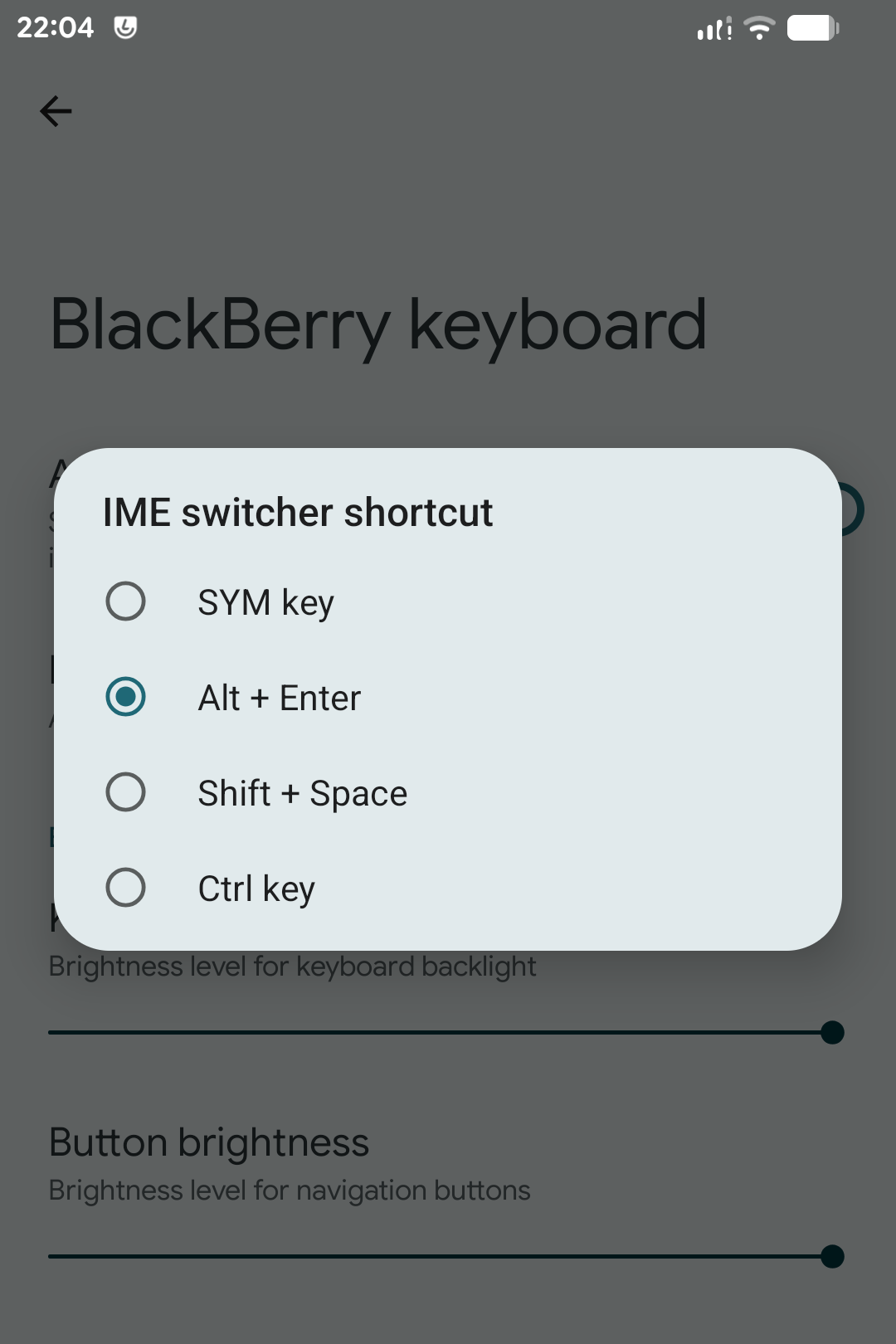
Custom ROM toggle preventing Android from intercepting hardware modifier keys
3. GMS / Google Play Services Stability
When flashing GApps packages (e.g., MindTheGapps-15.0.0-arm64), certain older /e/OS builds suffered from runtime permissions crashes. If you require microG or native Play Services, verify package build dates matching your base ROM.
📦 Firmware Recommendations
1. LineageOS 23 (Top Recommendation)
Currently, LineageOS 23 (LOS23_ATHENA_KRAB2.0G-alpha.zip) is by far the most stable release.
⚠️ Installation Note: This package cannot be flashed via standard
adb sideloaddirectly. You must unpack the ZIP, flash the customrecovery.imgandboot.imgpartitions via Fastboot first, and then install the system payload.
Touch keyboard scrolling works stably, battery life is respectable, and hardware shortcut keys operate cleanly.
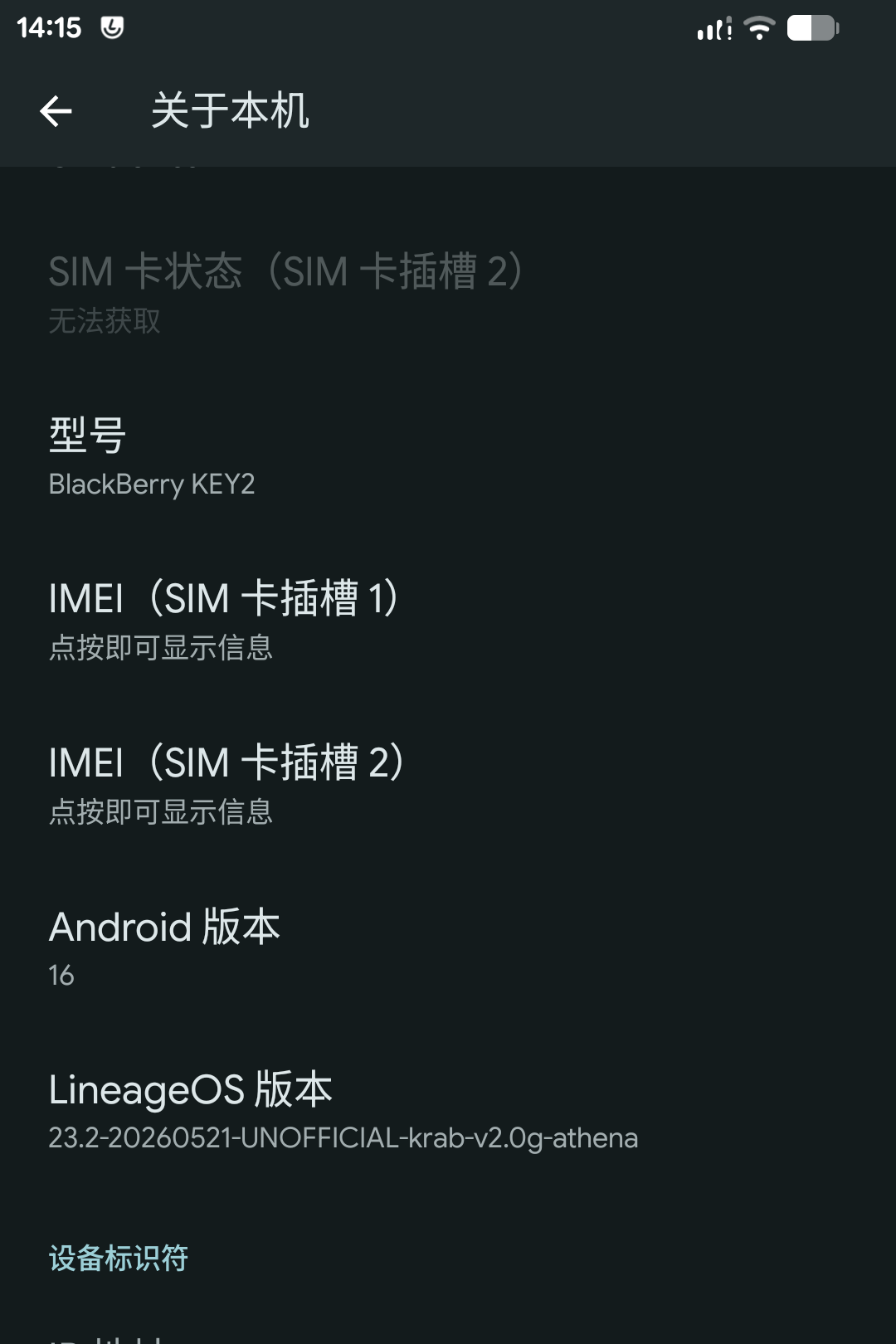
Android 15 / LineageOS 23 system info on KEY2
2. /e/OS
If you prefer a de-Googled environment:
e-3.7-a15-UNOFFICIAL-athena.zipruns reliably.- Avoid early
3.7.3-CUSTOMbuilds as they exhibited periodic filesystem corruptions requiring forced factory resets.
🚑 Safe Unbricking & Recovery
If your KEY2 gets stuck in a bootloop or halts on the splash logo, don’t panic. Qualcomm Snapdragon devices are resilient:
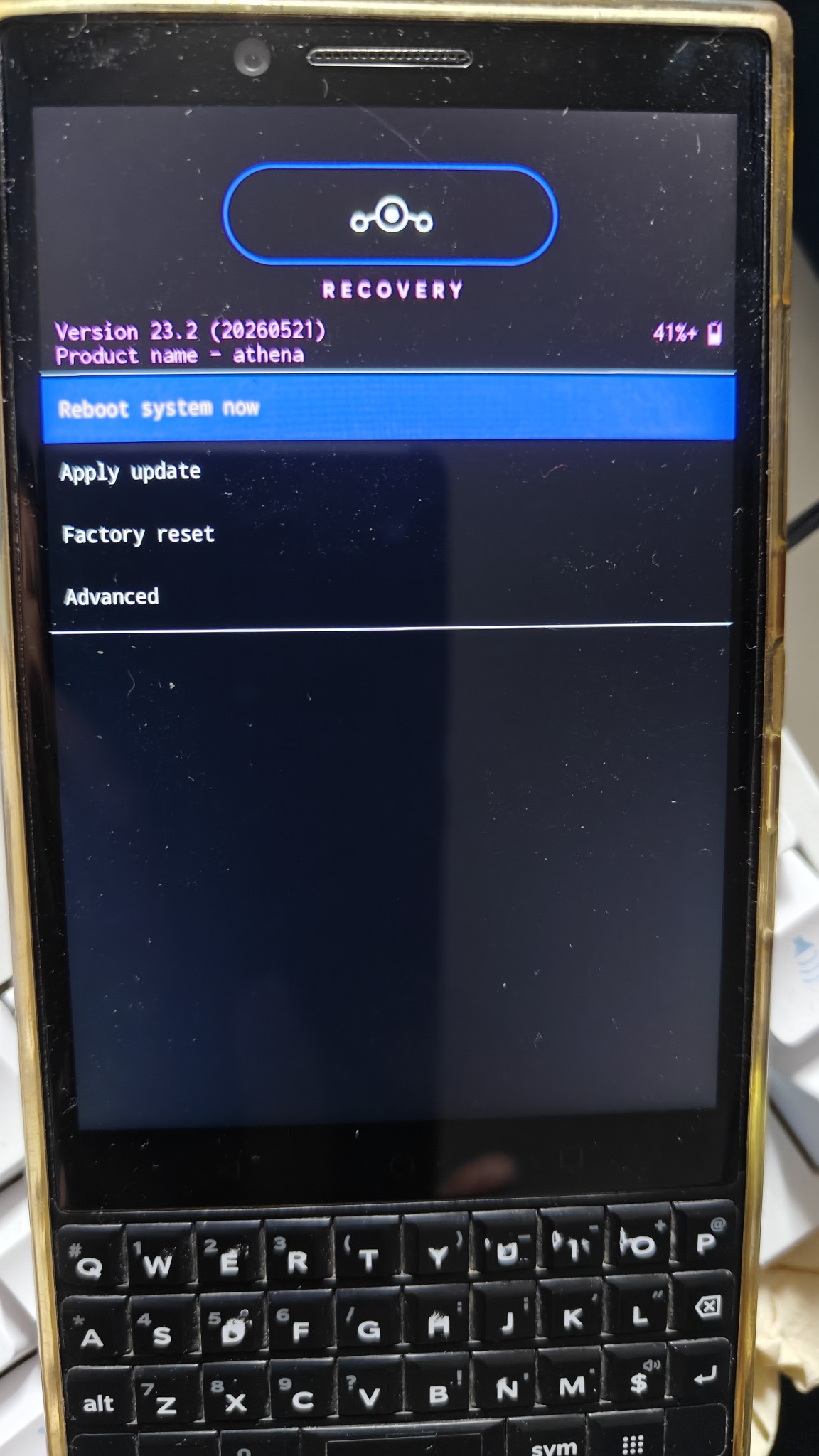
Entering custom recovery via Fastboot
1. Recovering from a Bootloop
Hold Volume Down + Power to re-enter Bootloader/Fastboot mode, then re-flash clean recovery images:
1 | fastboot flash recovery recovery.img |
Once in recovery, wipe Cache, Dalvik, and System, then reinstall via adb sideload:
1 | adb sideload your_firmware.zip |
2. Restoring Lost Wi-Fi / MAC Addresses (persist Partition)
If Wi-Fi fails to turn on after flashing a GSI or generic ROM, your persist partition calibration data was likely wiped.
Boot into recovery with ADB enabled, restore your backed-up persist.img, and write it directly to the block partition:
1 | adb push persist.img /tmp/ |
🎯 Summary
Carrying an Android 15/16-powered BlackBerry KEY2 in 2026 brings the tactile delight of physical keys to modern apps. With modern LineageOS builds resolving keyboard events and touch scrolling, the device proves that great hardware ergonomics never truly expire.