
Introducing Coco Bluetooth Remote: Turn Your Phone into a TV Remote, Wireless Keyboard & Touchpad
Coco Bluetooth Remote
Get it on Google PlayLost your TV remote again? Typing a password with arrow keys letter by letter? Coco Bluetooth Remote turns your phone into a Bluetooth remote control, a full wireless keyboard, and a touchpad — using the standard Bluetooth HID protocol.
No app to install on your TV. No Wi-Fi needed. No cloud, no account. Just pair over Bluetooth and start controlling.
Screenshots
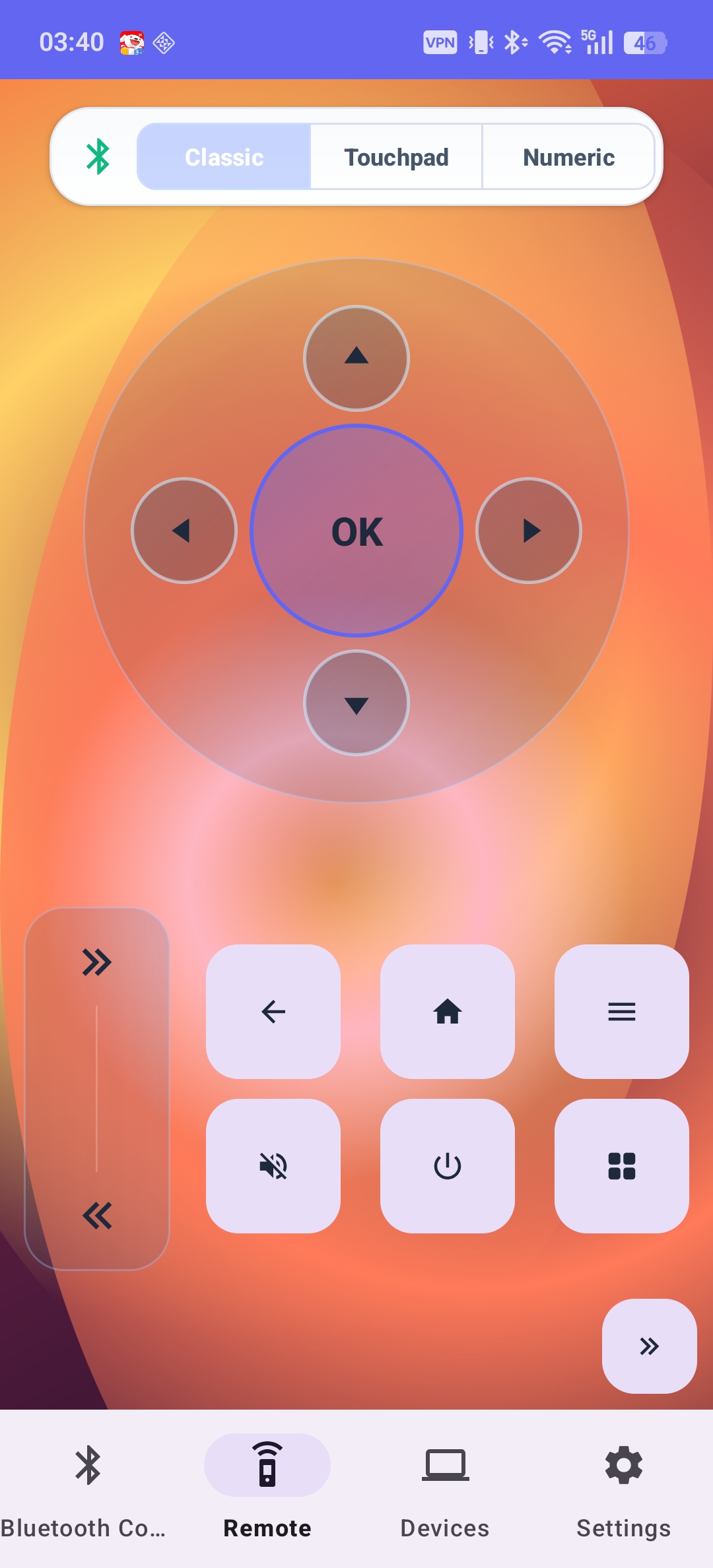
Familiar TV remote layout
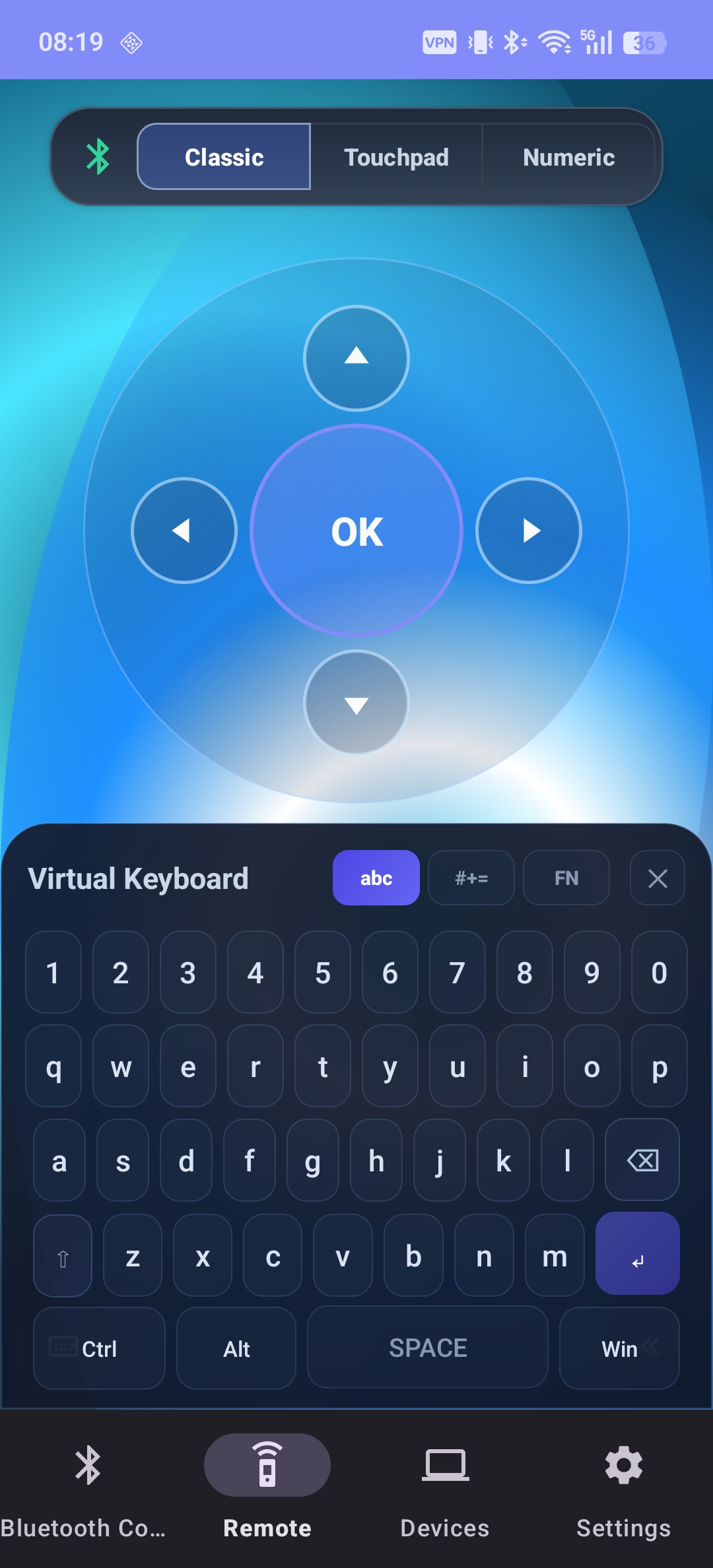
Full keyboard with modifiers & F-keys
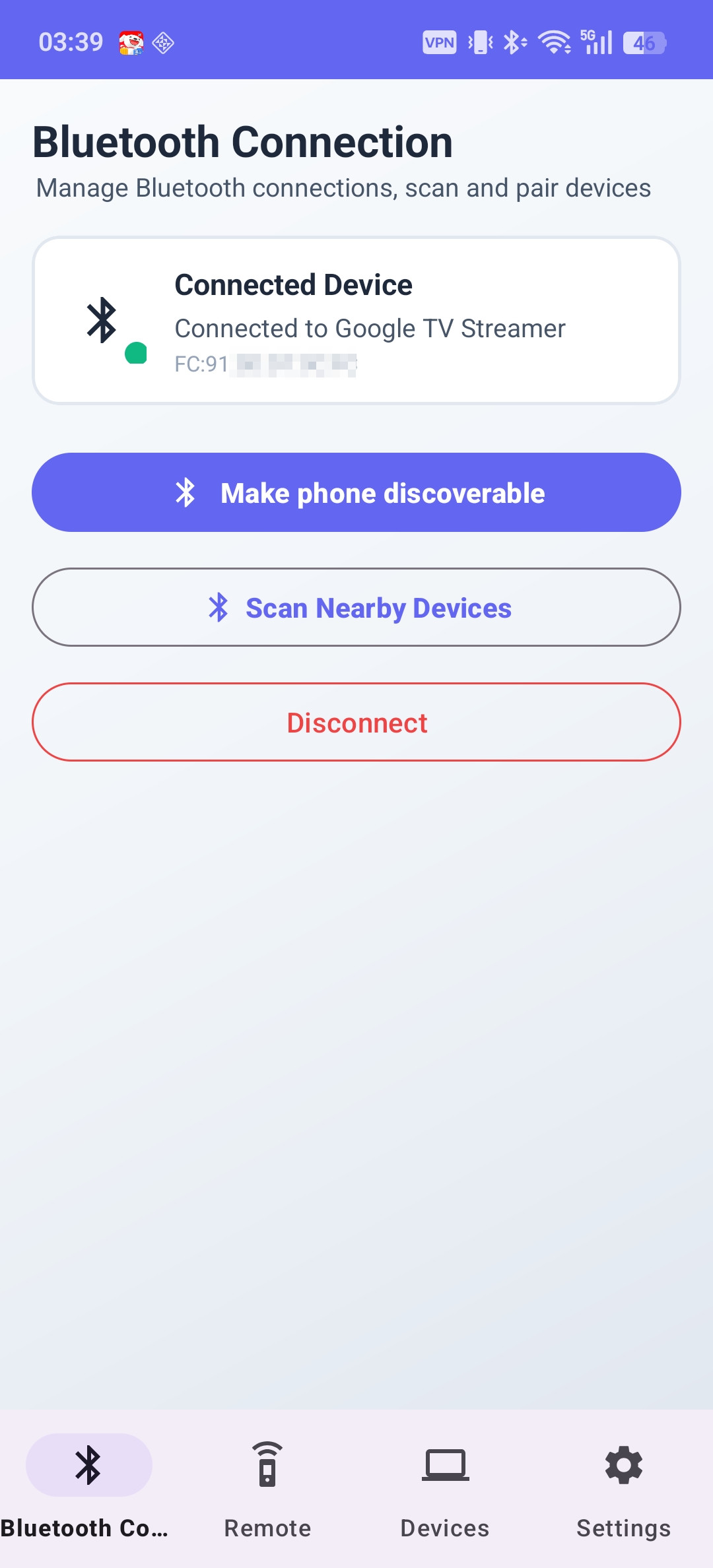
Pair in seconds, auto-reconnect
Why Choose It?
- No TV-side app — works with any device that supports standard Bluetooth HID
- No Wi-Fi or internet required — pure local Bluetooth connection
- Fast, stable, low-latency — secure local communication, no cloud dependency
Core Features
1. Smart TV Remote Control
A familiar remote experience with D-pad navigation, OK/Enter, Back, Home, Menu, Power (on supported devices), volume, mute, number keys, and channel switching — plus full media controls (play/pause, stop, previous/next track).
2. Full Wireless Keyboard
Typing on a TV with a D-pad is painful. Coco Bluetooth Remote gives you a complete keyboard: letters, numbers, symbols, Ctrl/Alt/Shift/Win modifiers, F1–F12, arrows, Esc/Tab/Backspace/Delete, Home/End/Insert, Page Up/Down, and Print Screen. Perfect for searching movies, entering passwords, or driving a PC from the couch.
3. Wireless Touchpad
Turn your phone screen into a responsive touchpad with cursor movement, single/double tap, long-press drag, and adjustable sensitivity. Great for web browsing, presentations, and desktop control.
4. NEW in v1.0.6: Gamepad Mode
The latest update adds a gamepad remote control mode with joystick, D-pad, ABXY buttons, and triggers. It also fixes the HID keycode mapping for the number key “0” for better remote compatibility.
5. Multiple Compatibility Modes
Different brands handle system keys differently, so the app ships multiple key-sending modes you can switch per device. Compatible with Android TV, Google TV, smart TVs, TV boxes, projectors, Windows, macOS, and Linux — with compatibility improving every release.
Thoughtful Details
- Beautiful light & dark themes, one-hand-friendly layout
- Auto-reconnect to the last paired device
- Adjustable touchpad sensitivity and optional haptic feedback
- Multi-language support
Privacy First
All communication happens over local Bluetooth only:
- No internet connection required
- No cloud servers, no accounts
- No data collection, no keystroke uploads
How to Use
- Enable Bluetooth on your phone.
- Open Coco Bluetooth Remote.
- On your TV, TV box, or computer, search for Bluetooth devices.
- Pair with Android Remote Keyboard.
- Start controlling instantly.